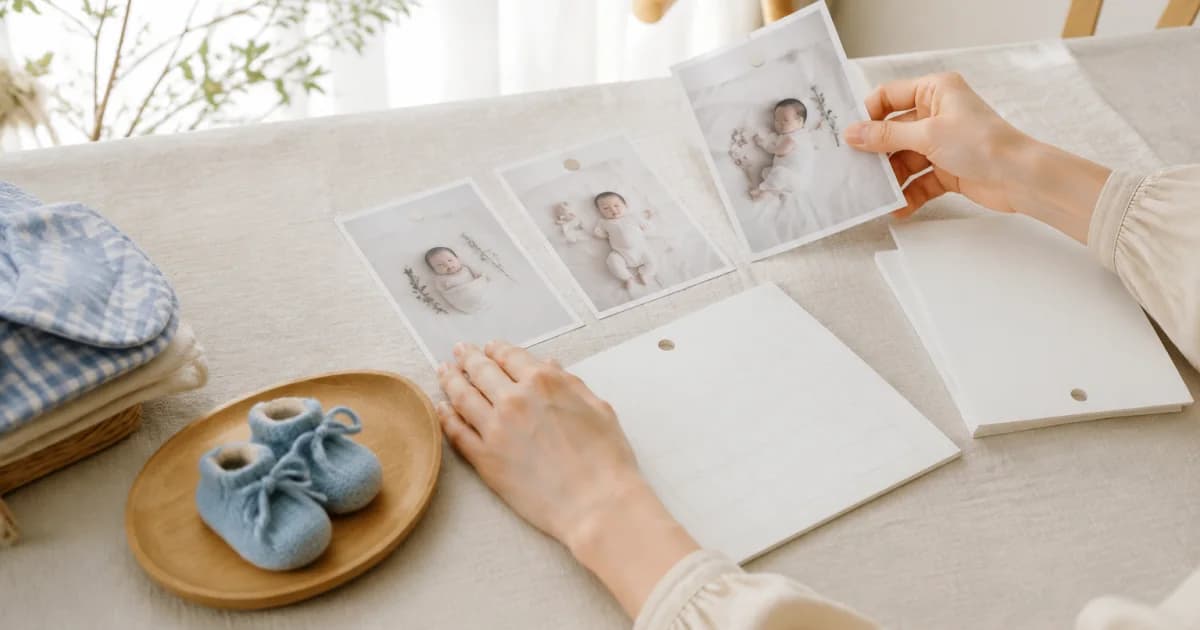
Start with one timeline rather than monthly folders
Separate month-by-month folders look tidy but make reviewing the journey to a first birthday cumbersome. In Pogaem, create one lasting calendar such as ‘Growing up’ and continue entries on their capture dates.
Add several photos on busy days and just one when that is all you have. Establishing a continuous date structure is easier to maintain than matching the same daily volume.
Add one or two sentences the photo cannot supply
Photos preserve faces and expressions, but why the baby laughed or what they did for the first time may fade. Keep recognizable clues such as ‘Stood up alone for the first time’ or ‘A big laugh on seeing Grandma.’
Focusing on scenes and words your family experienced can feel lighter than health measurements requiring interpretation. A recording app does not make medical judgments about growth; manage those separately with professional guidance.
Choose a small parenting-diary routine
Create one growth calendar using the baby's name or nickname.
Choose one or several photos you want to revisit and place them on their capture date.
Add a short note about actions or words the photos cannot fully recall.
Check the day cover for the photo that best represents it.
Set a recording reminder at a realistic interval, such as weekly.
Give similar photos distinct roles
You need not delete every burst, but repeated expressions can hide changes. Choose varied information: a clear face, small hand or foot details, and a family moment.
The calendar first shows one cover, while opening the entry reveals the day's other images. Distinguishing the main and supporting scenes combines a readable overview with detailed preservation.
Let family members contribute
Use a shared calendar to gather pictures taken by different relatives. Their viewpoints and notes join the same timeline so one person need not handle every entry.
Connect a frequently viewed calendar to a widget to keep recent entries close to everyday screens. Even with family-only access, check visible name tags and location information before resharing a child's photo on another service.
Frequently asked questions
Must I write a baby growth diary every day?
No. One photo and a brief note on memorable days can still show change over time. Choose a sustainable rhythm rather than a daily completion target.
Can I add several baby photos to one date?
Yes. One entry can contain several photos, with a selected representative image appearing first in the calendar.
Can both parents keep the same diary?
Yes. Invited family members can add photos and notes to the same dated flow in a shared calendar.