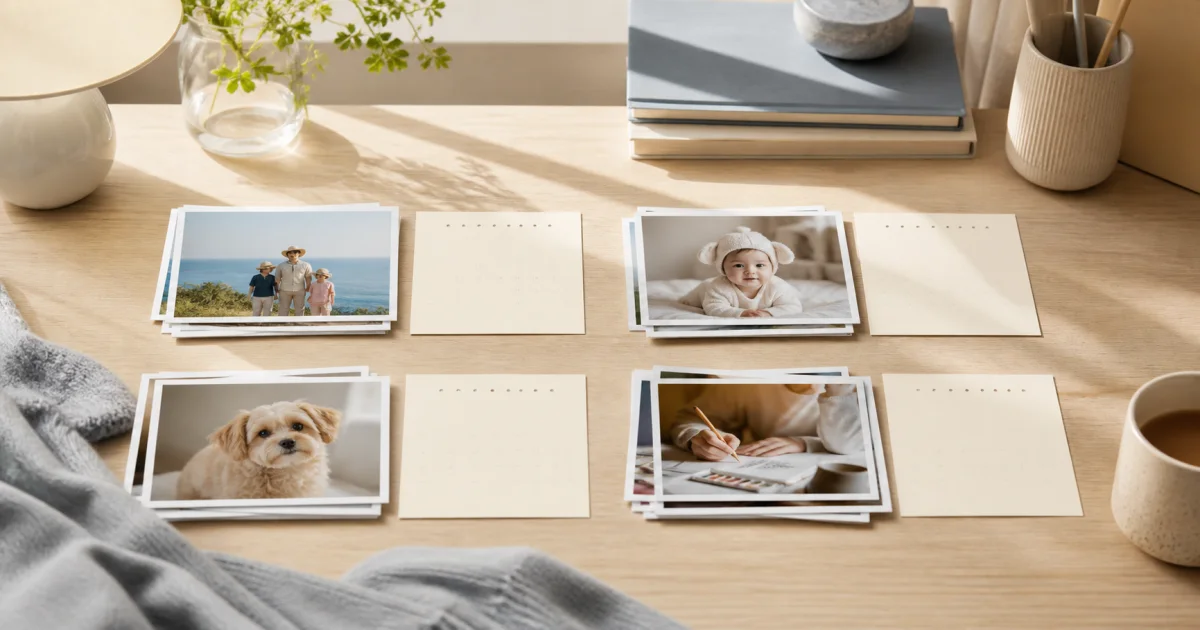
Why one gallery can feel insufficient
Photos accumulate every day, while a gallery stacks them in capture order. Travel landscapes, a napping pet, a child's first steps, and today's workout all end up in the same stream.
The problem appears when you want to revisit one subject. Hundreds of unrelated photos interrupt its sequence and you have to filter them by scrolling. The photos are there, but mixed together.
Pogaem gives each subject its own calendar. Placing photos on dates, rather than only gathering them into an album, lets you see when an entry was made without searching a list.
How should you divide your calendars?
A useful question is whether you will want to view these photos together later. Common topics include:
A pet's changing appearance and growth.
Parenting memories beginning with a child's first milestones.
Travel landscapes, food, and places visited, organized by day.
Ongoing activities such as exercise, meals, study, or drawing.
Plants changing with the seasons and progress on hobby projects.
Keep several photos and a note in one daily entry
You do not have to choose just one photo each day. Combine several photos and a short note in one entry. Months later, photos alone may not explain the situation, while even one line preserves its context.
When you add several images, you can choose the day cover shown in the calendar cell. Tap the date to browse that day's photos and move directly to earlier entries.
Take photos directly in the app or select several existing gallery photos to add at once.
Keep the entries going
After dividing by topic, the next challenge is consistency. Pogaem helps in two ways.
Set reminder days and times for each calendar. Separate schedules let daily parenting entries and workouts three times a week follow different rhythms.
Place a frequently viewed calendar in a home screen widget to see recent entries without opening the app.
What you can make once photos accumulate
Once you have at least three photos, choose a period and make a Photolapse video. Select an aspect ratio and whether to display dates. Topic-based calendars make this easier: a mixed pile of photos does not provide a clean selection such as this summer's trip.
Photolapse is also available on Free.
How many calendars can you create?
All plans, including Free, allow unlimited personal calendar creation. Photos use your plan's storage allowance. Begin with the subject you photograph most often; once one calendar fills regularly, other useful ways to divide entries tend to become clearer.
Shared calendars let family or friends add photos and notes together with no participant limit, and discuss each entry in comments. All plans, including Free, allow unlimited creation of shared calendars you own. People on every plan can accept invitations.
Frequently asked questions
How should I divide photo calendars?
Choose subjects whose photos you will want to revisit together. Starting with one clearly defined subject or period makes them easier to manage.
Can I add several photos to one date?
Yes. You can keep several photos and a note in a daily entry and select the day cover shown in the calendar cell.
Can I create topic-based calendars on Free?
Free allows unlimited personal and owned shared calendar creation. Photos use the included 1GB allowance. The latest information on the payment screen is final.