How to start a photo diary and keep it going
Even on days when a long entry feels like too much, a photo and a few words can hold a memory. Find ideas for a first diary, a growing child, a shared trip or a changing hobby.
Journaling habits
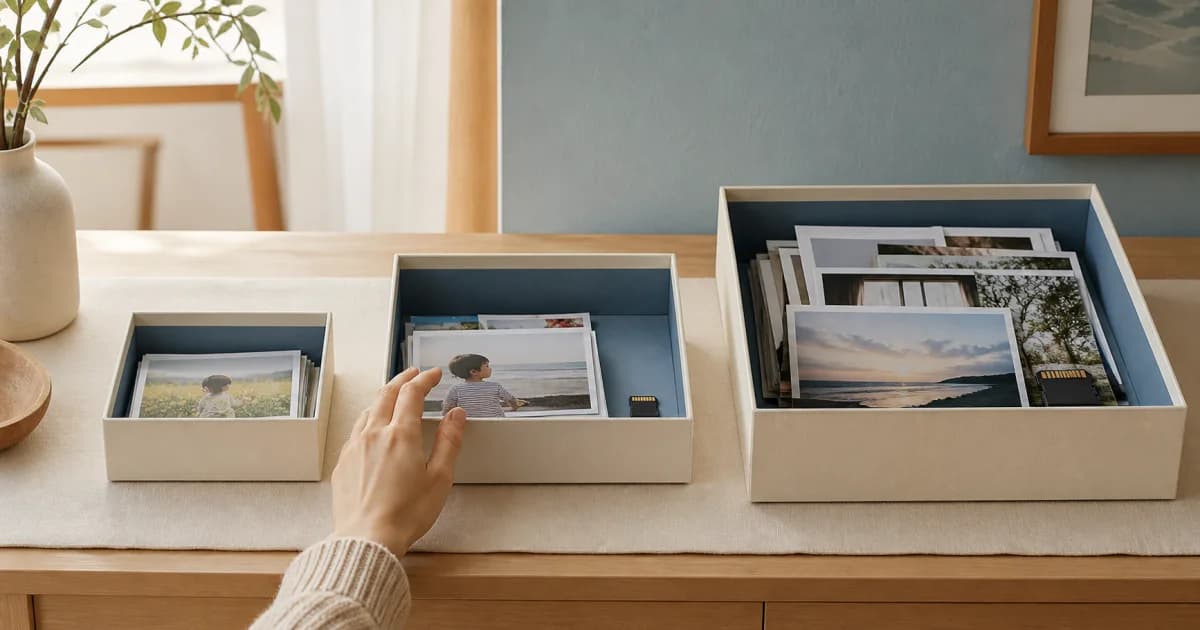
Before-and-After Photo Diaries: Find Storage That Works
Record what was awkward, what you moved, and how it works a week later. Start with one drawer and use photos to find a layout that fits daily life.
Naming Photo Diary Entries with Clues You Can Find Again
Give each photo diary entry a recognizable scene, action, or change. Use consistent search words and check titles for private details before sharing.
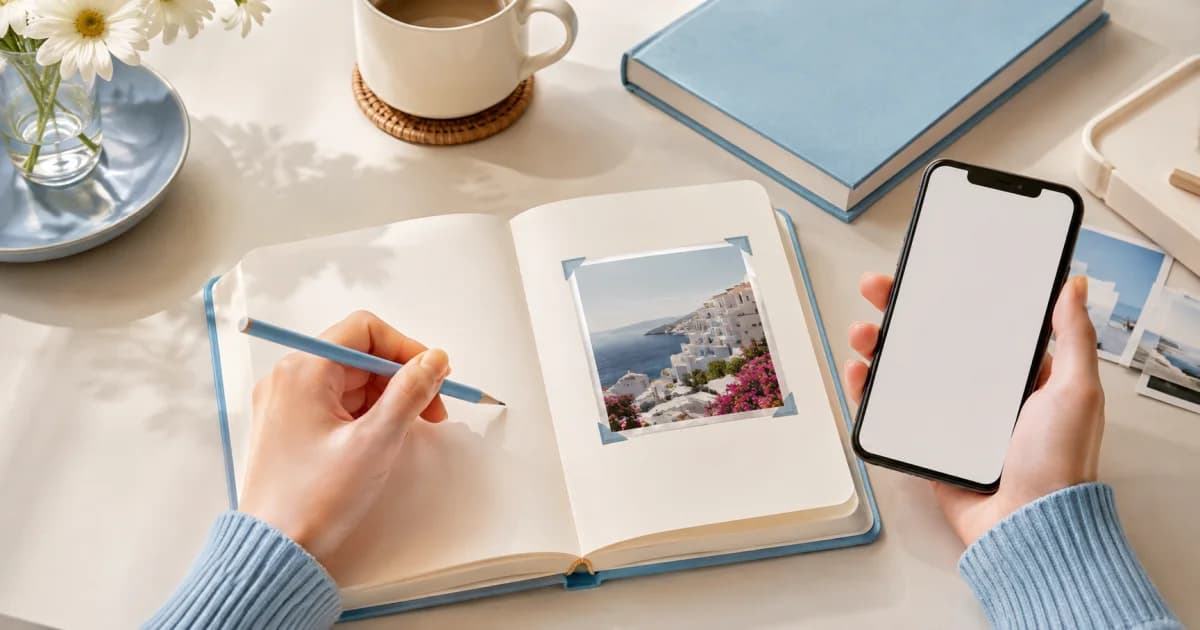
Paper or Digital Photo Diary: Choose How You Write and Keep Memories
Compare writing, editing, revisiting, and storing paper and digital photo diaries. Try both with a week's photos and decide which record to treat as primary.
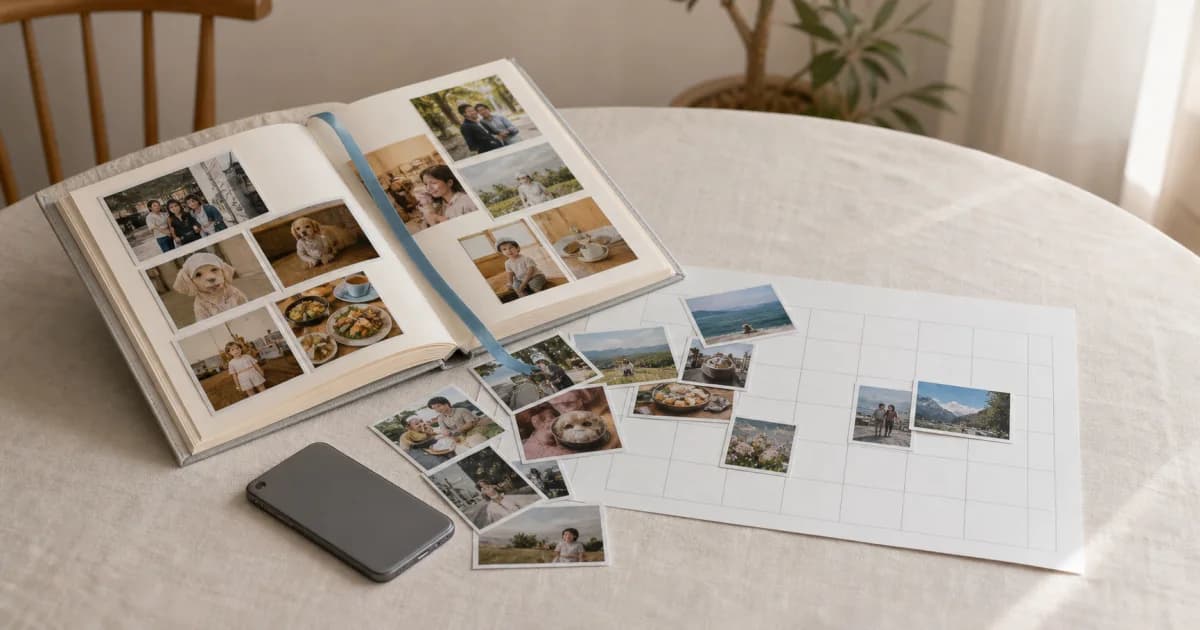
Seven Things to Test Before Choosing a Photo Diary App
Test a real photo entry from creation to export. Check dates, multiple photos, notes, search, sharing, storage, and current free and paid conditions.
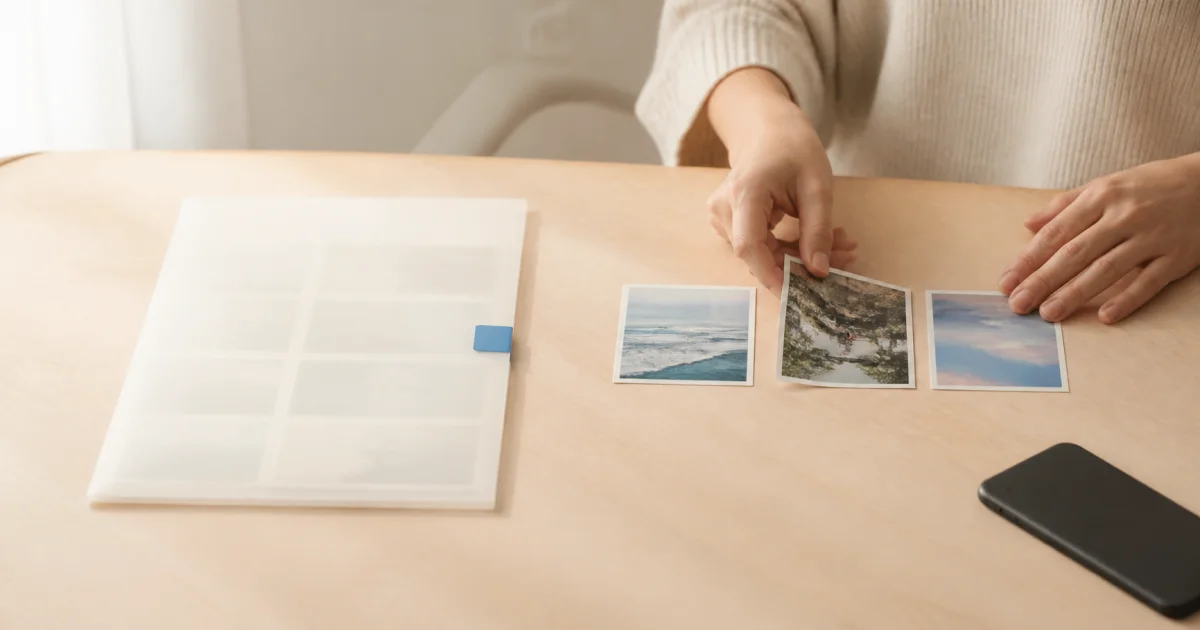
Five Complete Photo Diary Examples, from Pictures to Prose
See how photos, titles, and text work together in five fictional entries. Adapt everyday meals, shared moments, and late memories to your own experience.
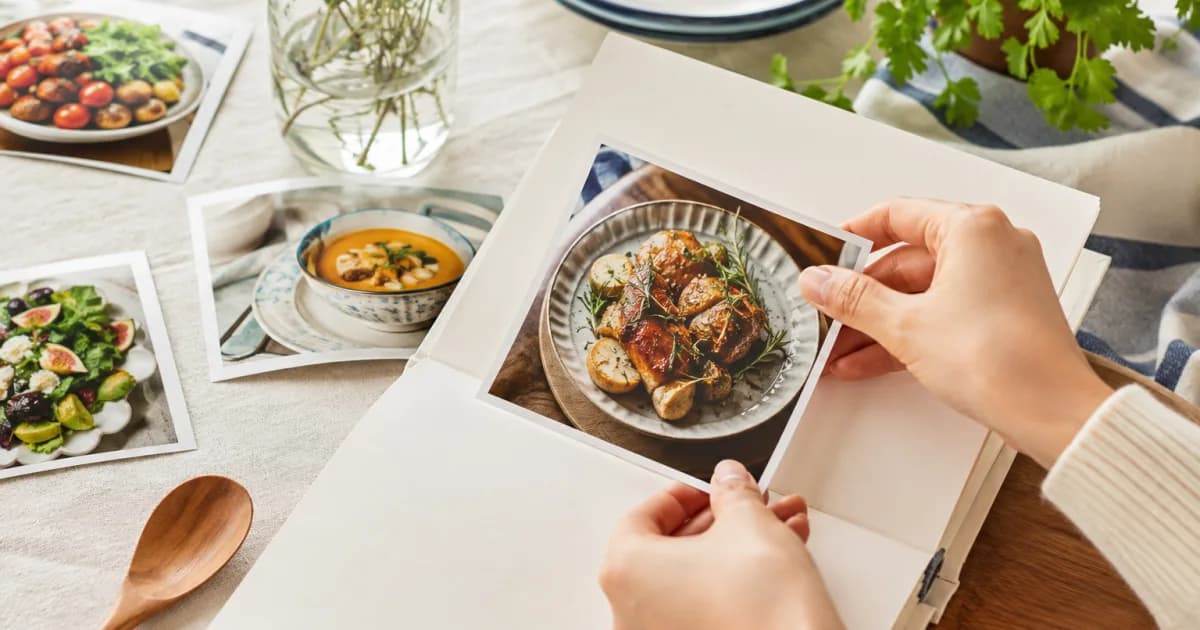
Writing a Photo Diary: Separate Facts, Feelings, and Later Reflections
Make clear what a photo shows, what you felt then, and what you think now. Mark uncertain memories, summarize conversations, and add later corrections clearly.
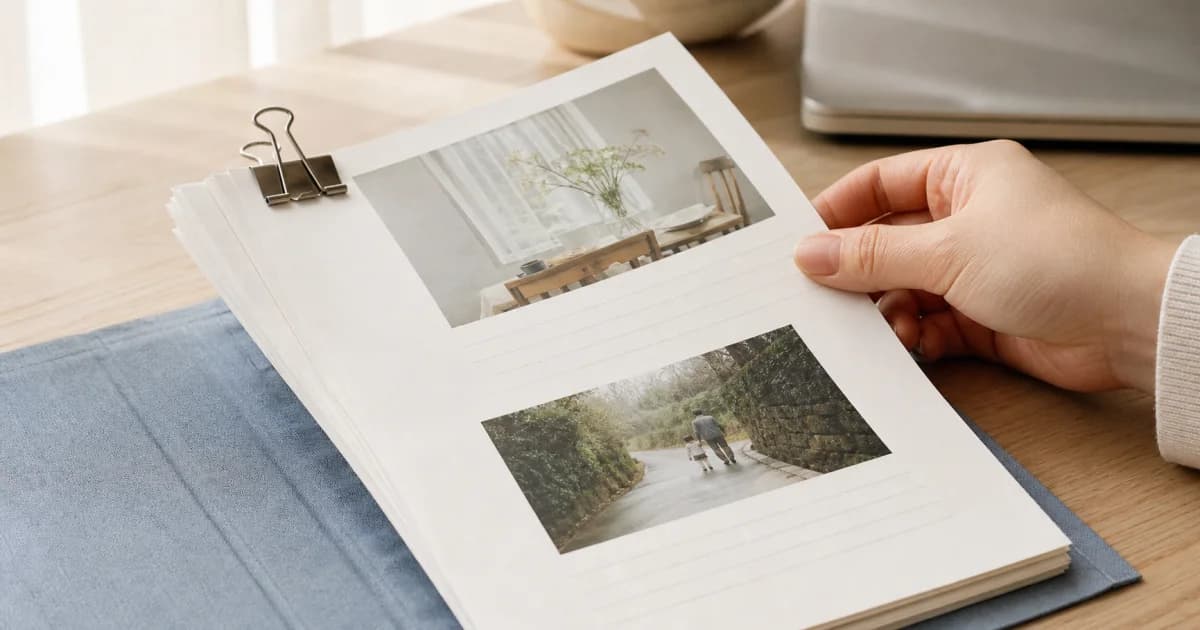
Photo Diaries and Social Posts: Two Purposes for the Same Picture
Keep personal context in your diary and select what a social audience needs. Review privacy, original records, and exported copies before posting.
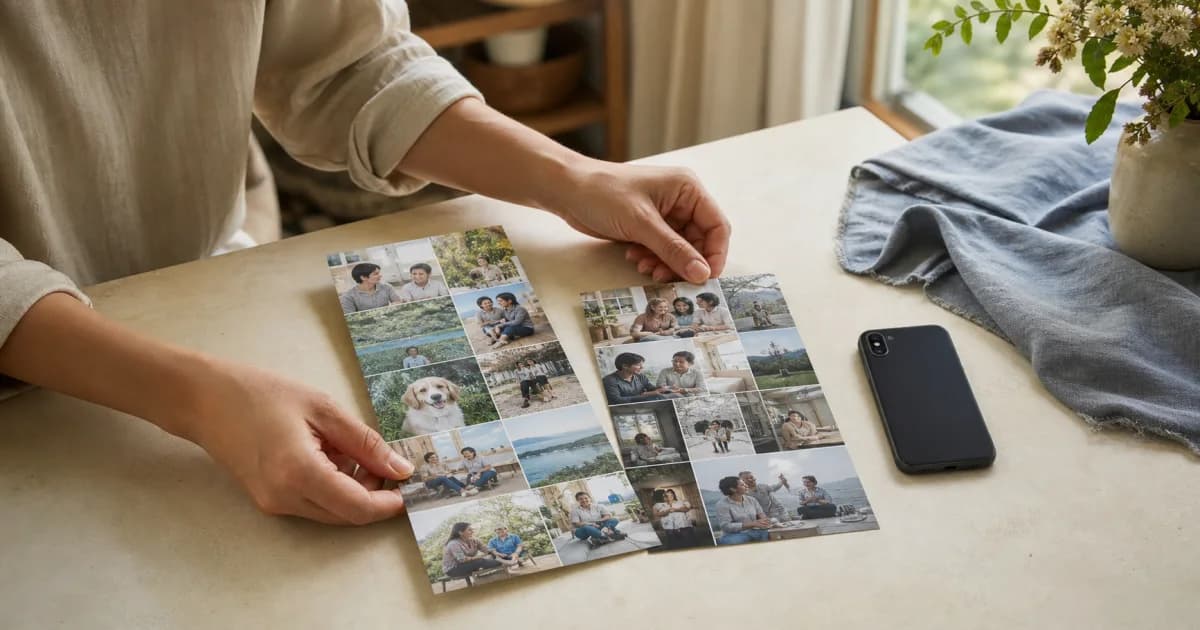
A Repair and Care Photo Log: Record an Item Before Handing It Over
Record an item's condition, the work requested, and changes afterward. Separate observations from diagnoses and keep receipts and private details separately.
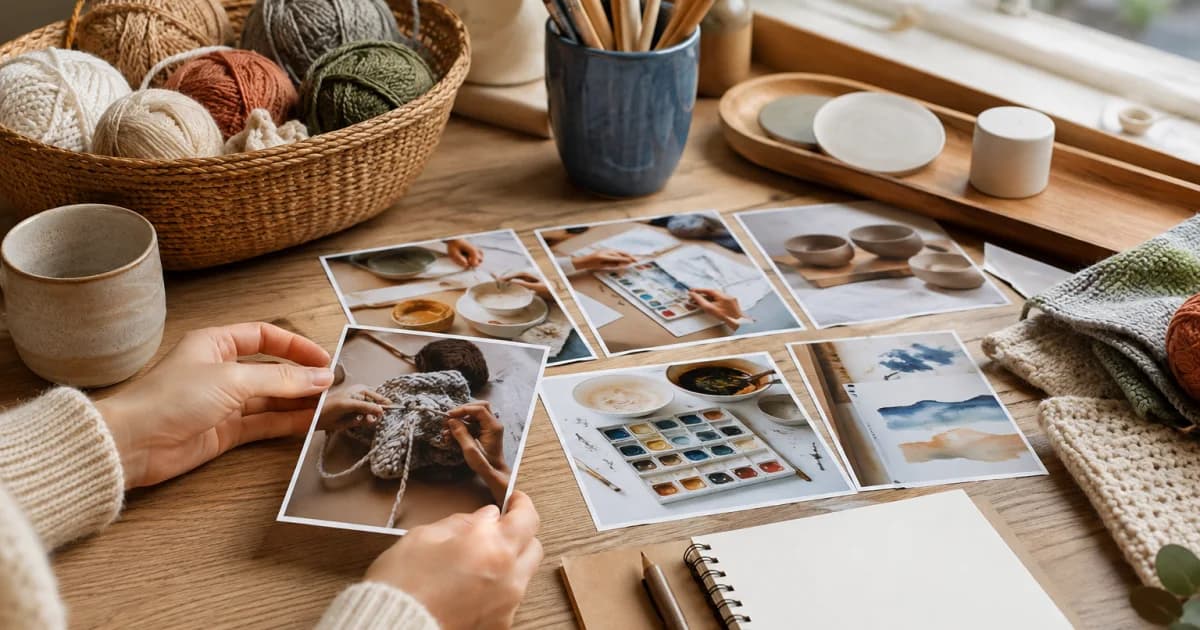
A Screenshot Photo Diary: Add Your Day's Context to Saved Screens
Explain why you saved a screen and what you actually did next. Separate plans from experiences and remove private details from conversations and bookings.
A Study Photo Diary: Record Questions and Changes in Thinking
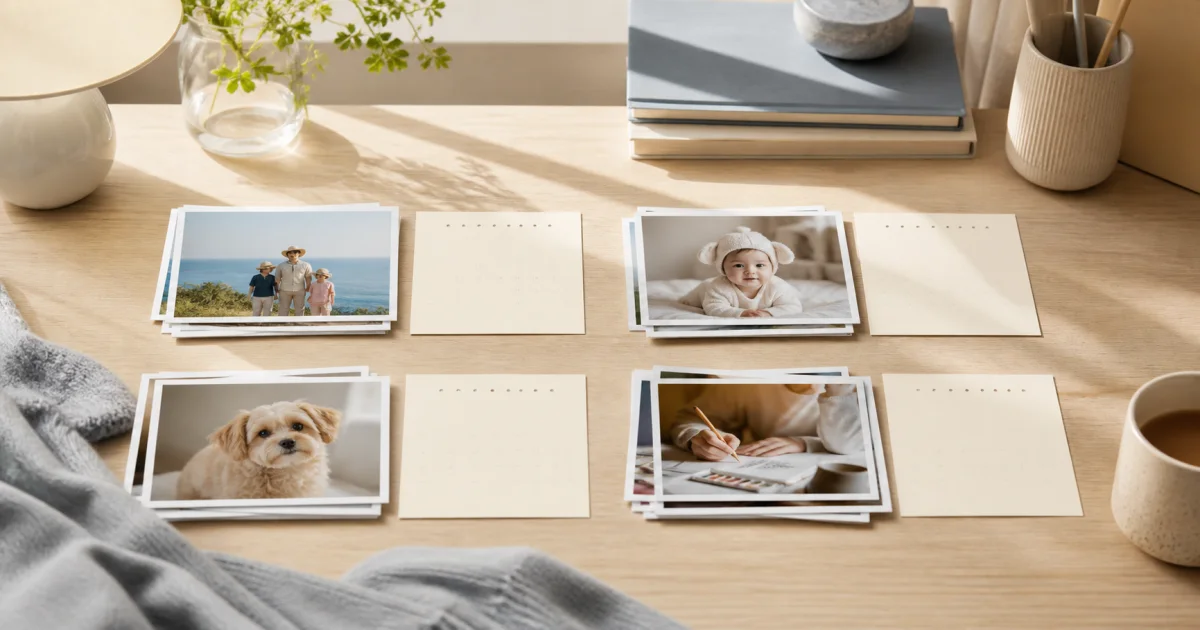
Photograph your own notes and revisions, then record a question, current explanation, and remaining uncertainty. Focus on thinking rather than hours or grades.
What Is a Photo Diary? Begin with a Picture and Its Context
A photo diary adds personal context to a dated picture. Learn what to include, how it differs from a caption, and what to do on days without photos.
Add Your Taste to Cafe Photos with Menu and Order Notes
Record the menu name, options, drinking conditions, and your own impressions. Use cafe photos to remember preferences and make your next choice easier.
A Daily Outfit Photo Log for Combinations You Want to Wear Again
Add weather, movement, and comfort notes to outfit photos. Record clothing combinations and real conditions without turning the diary into an appearance score.
After an Exhibition: Separate Artwork Facts from Your Impressions
Record permitted photos, verified artwork details, and your own responses separately. Use notes when photography is restricted and review the entry after visiting.
Short Sentence Templates When Photo Diary Captions Sound Alike
Turn generic captions into specific memories with simple situation, reason, and conversation templates. Add context without overstating feelings or repeating photos.
Twenty Questions for Days When You Have Nothing to Write
Find a diary idea in an everyday object, familiar route, conversation, or choice. Pick one of 20 questions and add a concrete detail beyond the photo.
A Reading Photo Diary: Keep Your Thoughts Beyond the Plot
Record the book, reading stage, personal response, and unanswered questions. Connect thoughts before and after finishing without copying pages or long passages.
Restart a Photo Diary Without Filling Every Missing Day
Begin with today's photo, then revisit one clear past event. Separate capture and writing dates, mark uncertain memories, and set a manageable stopping point.
A Weekly Photo Diary When Daily Writing Is Hard
Choose distinct scenes from a week and separate dated facts from weekly reflections. Set a clear stopping point, or keep just one photo and sentence on busy weeks.
Organize Baby Growth Photos into a Dated Parenting Diary
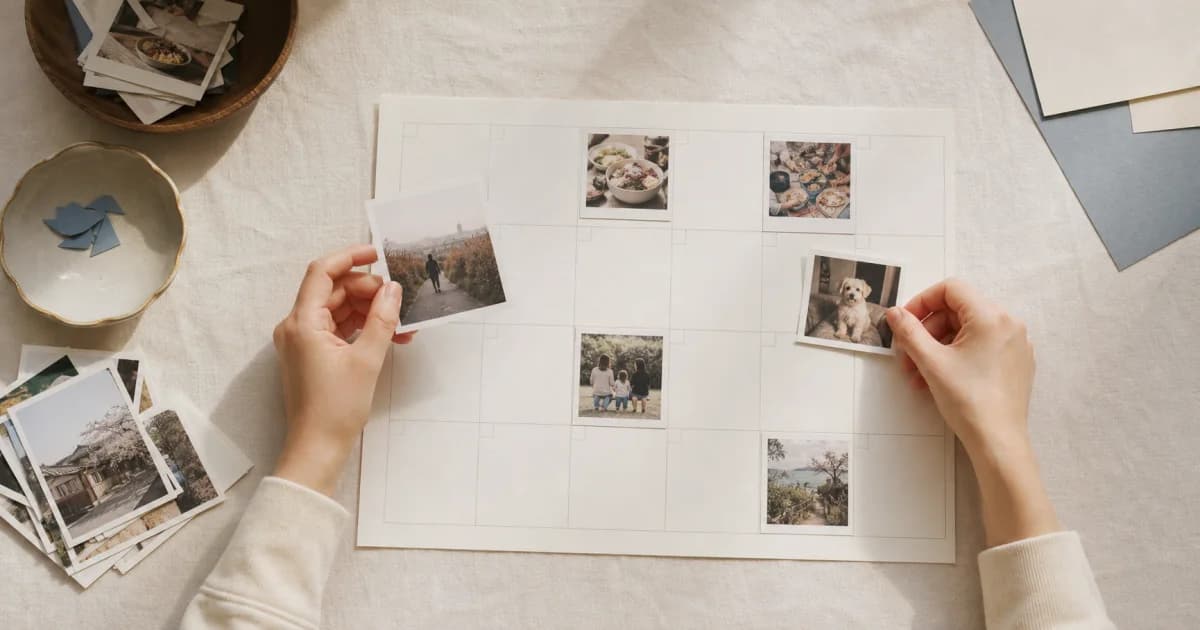
Keep baby photos in one dated calendar with short notes. Use varied scenes, day covers, reminders, and a shared family calendar to make changes easy to revisit.
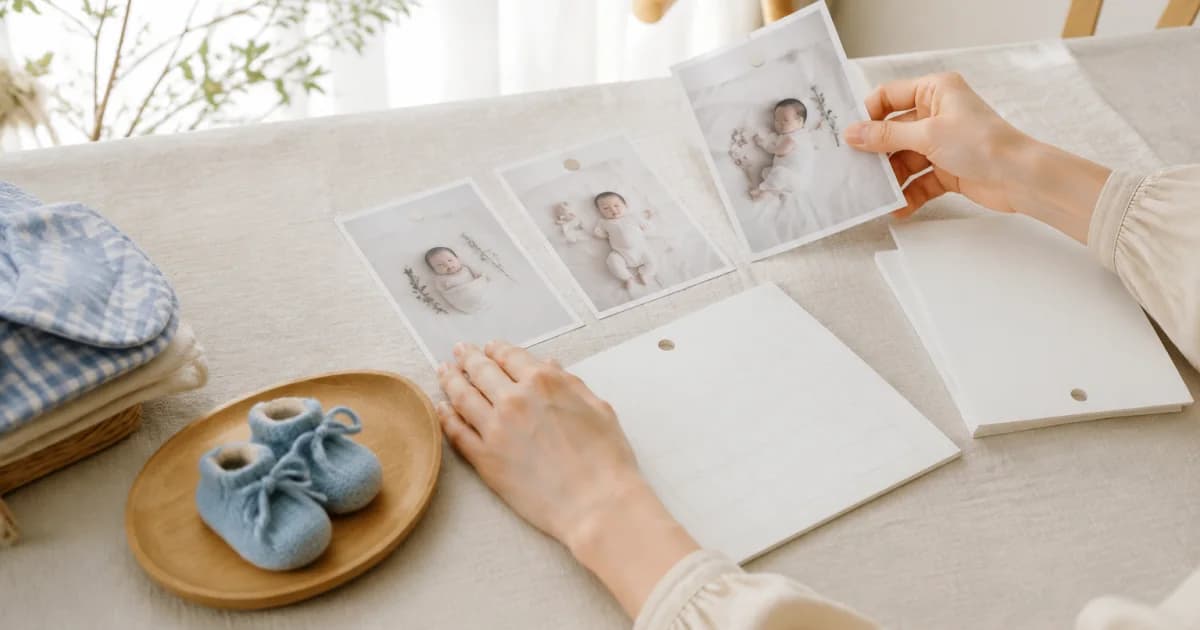
Photograph Your Knitting, Art, and Craft Projects as They Develop
Record beginnings, revisions, mistakes, and finished work by date. Choose hobby or project calendars and combine overall views, details, and short working notes.
Write Several Photo Diary Entries on the Same Day
Split different events into separate cards on the same date. Swipe between them, rearrange adjacent cards, and distinguish this from adding several photos to one entry.
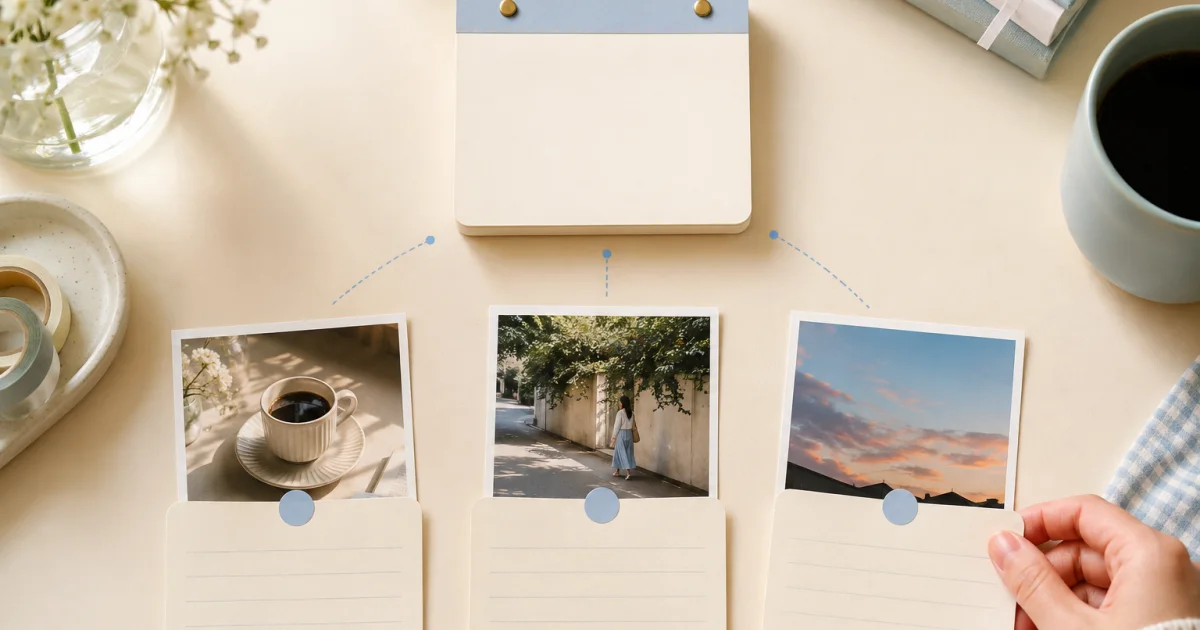
Keep a Dated Photo Diary of Your Pet's Growth
Gather pet photos by date from adoption onward. Use familiar scenes, brief behavior notes, shared family contributions, and reminders to keep a manageable diary.
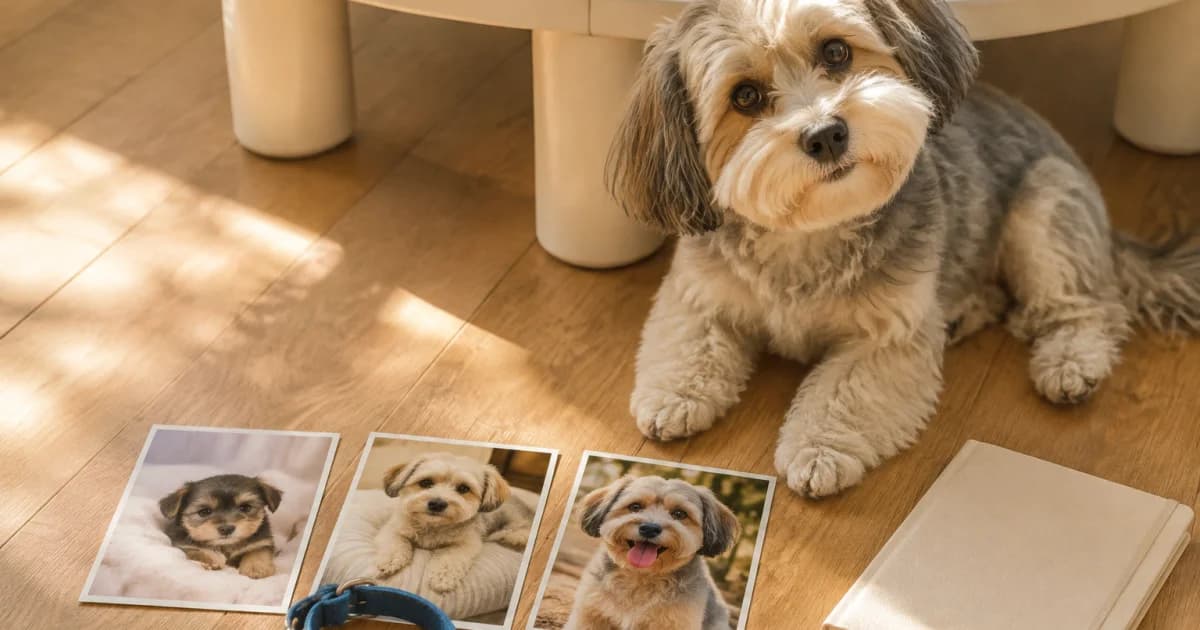
Compare and Record Plant Growth Photos by Date
Photograph a plant from a familiar angle and note observed changes. Choose useful calendars and reminders, then review seasonal development in calendar or album view.
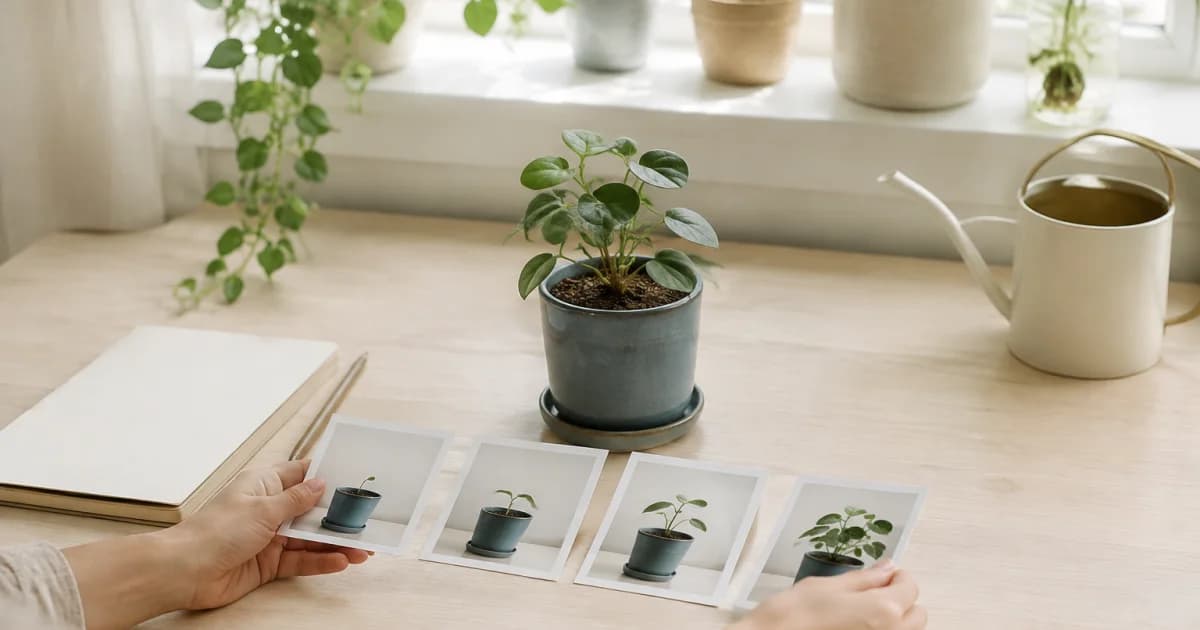
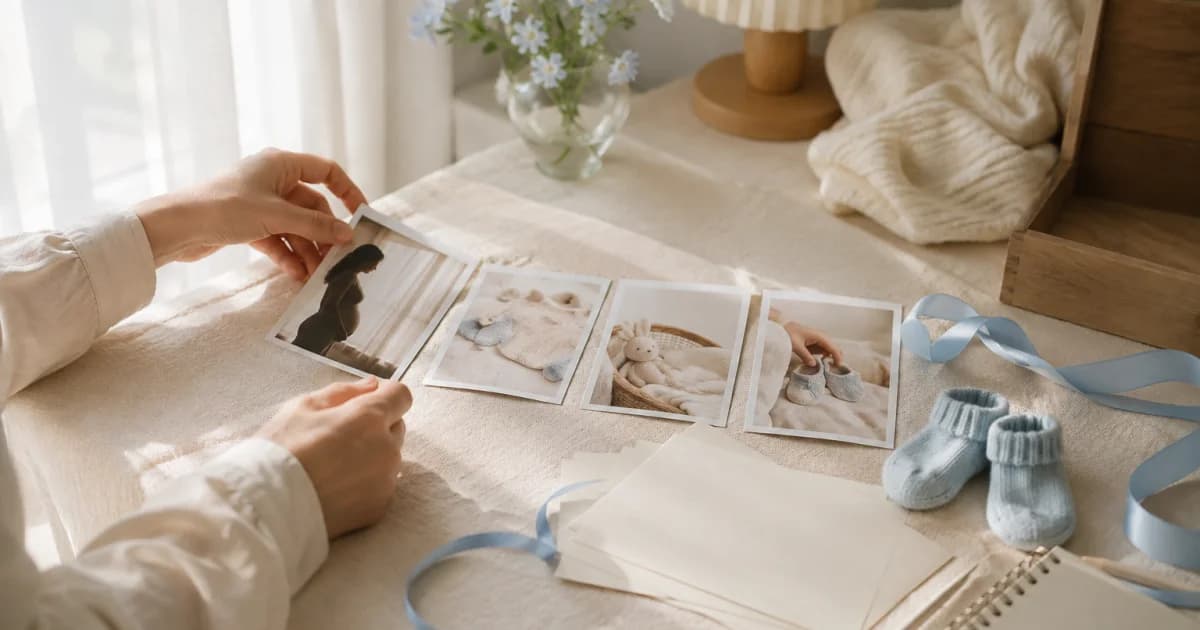
Keep Pregnancy Week Photos with Short Personal Notes
Record meaningful days and everyday moments at a comfortable pace. Add personal notes, choose a sharing scope, and keep medical information in separate records.
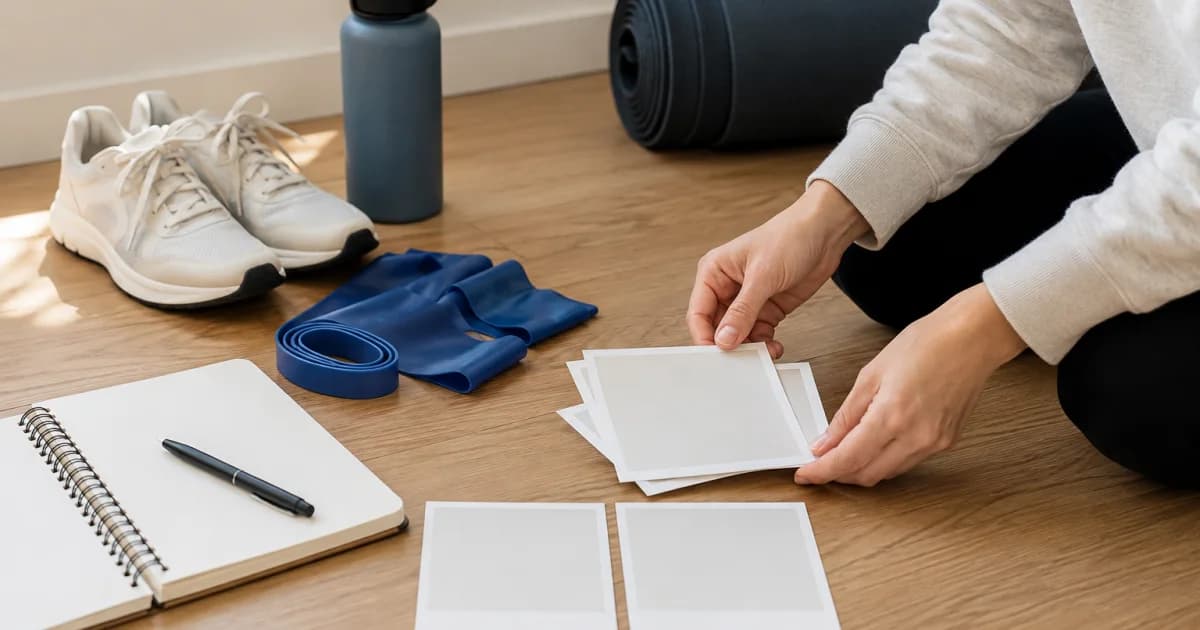
Record Your Exercise Journey with Consistent Photos
Choose repeatable photo conditions and a sustainable interval. Add exercise and comfort notes, review the process, and keep health judgments separate from photos.
Write a Diary Entry Even on Days Without Photos
Save a title or note without photos or videos, then add media later if needed. Learn the difference between a valid text entry and an empty card.
The Smallest Way to Keep a Photo Diary Going
Build a lasting photo diary with one photo and one line. Set a rhythm, use reminders and a widget, and fill missed days with capture dates or chosen dates.