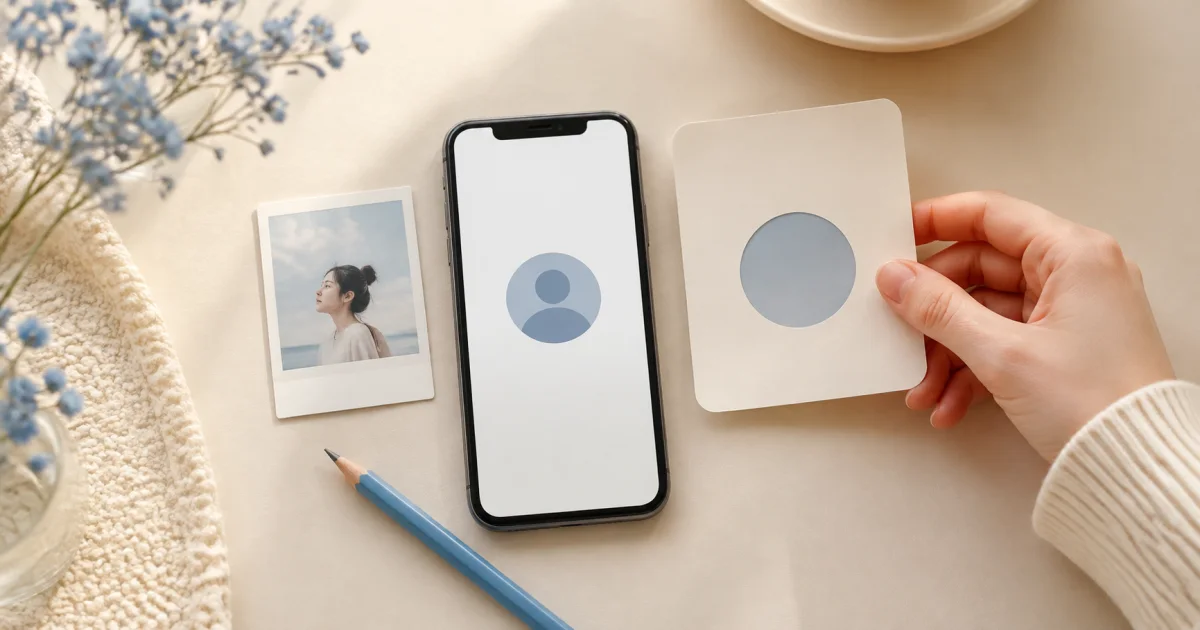
Open the profile from the top of Settings
Pogaem settings show the current photo and display name at the top. Tap this area to open Account, then tap its profile block again to open editing.
The editor shows nickname and image together. Leaving with unsaved changes prompts for confirmation to help avoid losing input accidentally.
Nicknames have a 20-character limit
Nicknames are stored after trimming leading and trailing spaces and allow up to 20 Unicode code points. This counting aims to follow visible characters for scripts and emoji more closely.
Saving an empty field removes the custom nickname and restores the social-login account name. It does not display an empty name.
Change your nickname
Tap the profile at the top of Settings to open Account.
Tap the block showing the current photo and name.
Enter a new nickname within 20 characters.
Tap Save and check the new name on Account.
Preview the profile photo before saving
Selecting an image first previews it in the editor instead of uploading immediately. Choose another or leave before saving if you dislike it.
On save, the image is prepared as JPEG quality 85 with its long edge no larger than 512 pixels. This separate profile file does not affect photo quality in your calendar entries.
Name and photo can save independently
Nickname updates and photo uploads are processed separately. If the photo upload fails because of connectivity, an already-saved name is not rolled back.
If only the name changed, check the network and retry the photo alone rather than reentering the nickname.
Profile changes require a connection
Profiles are account information used across devices and shared calendars, so server access is needed. Editing is unavailable offline; reopen it when connected.
For easy recognition in shared calendars, choose a short, distinctive nickname. Emails and phone numbers are unnecessary personal details to include.
Frequently asked questions
How long can a Pogaem nickname be?
Up to 20 characters after trimming surrounding spaces. Shorten any name exceeding the limit.
What happens if I leave the nickname blank?
The custom nickname is cleared and the social-login name returns. It does not become a blank display name.
Does changing the profile photo change diary photos too?
No. The profile is a separate account image. Photos saved in calendars and entries remain unchanged.