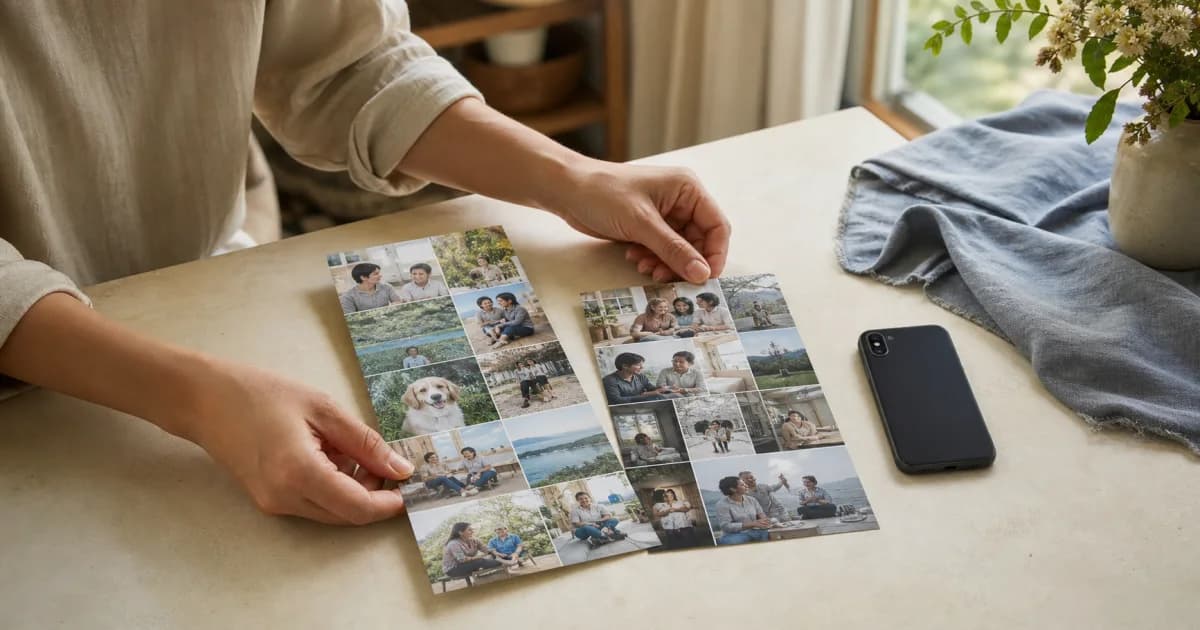
What is a photo calendar image?
It combines a month's dated photos into one image that shows their flow through the calendar. Instead of posting photos separately, you can show at a glance which scene you recorded on each day.
Two sizes are available: 1080×1920 for a tall Story and 1080×1350 for a portrait feed post. Choosing where you will post first can save you from creating the image again.
Should you choose the Story or feed ratio?
Choose 1080×1920 for a casual update during the day or a full-screen image. Choose 1080×1350 for a post you want to keep in your profile feed.
1080×1920: suited to a tall format such as Instagram Stories.
1080×1350: suited to portrait feed posts.
Create different formats for the same month if your audience or posting location differs.
Steps to create a photo calendar image
Open the month you want to share and review empty dates and any entries you prefer to keep private.
Select the photo calendar image format on the creation screen.
Choose 1080×1920 or 1080×1350 for your intended posting location.
Check the photos and dates in the preview, then create the image.
Review the intended audience again and share the finished image yourself in your chosen app.
Review the whole calendar before posting
A calendar image gathers several days on one screen, so it can reveal more context than a single photo. Review the entire month for details that call for a narrower audience, such as your home, a child's face, or a school or workplace name.
Choose images assuming viewers can zoom in even on small photos. If you are unsure about sharing a particular day, review the output again before rushing to post it.
Pogaem does not automatically post to Instagram
Pogaem helps you create an image in a size suited to sharing. It does not automatically connect to your Instagram account or publish a post without your review.
Set the caption, tags, audience, and posting time yourself in Instagram. You can also create the month's image solely for personal storage and choose not to share it.
Frequently asked questions
Does Pogaem automatically post my photo calendar to Instagram?
No. Pogaem creates a shareable image but does not post it automatically. You decide whether to upload it and who can see it.
What sizes are available for Instagram photo calendar images?
Two sizes are supported: 1080×1920 for Stories and 1080×1350 for portrait feed posts.
Do I have to publish the image I create?
No. You can keep it for yourself. You choose whether to share it and which service to use.