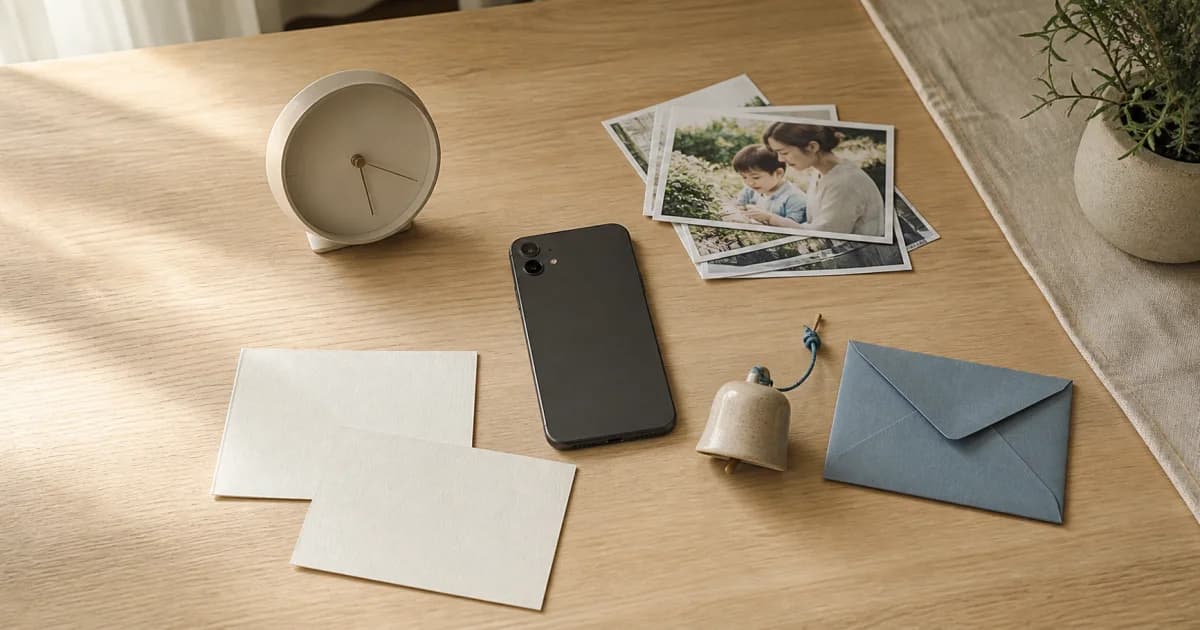
Your device schedules entry reminders
Entry reminders are local notifications shown by your current phone on the days and times set for each calendar. They can work without a server connection and support individual schedules, but the settings do not transfer automatically to a new device.
Turning off the overall entry-reminder switch stops all local schedules. Turning it back on schedules reminders using the saved individual settings. Each calendar's time, days, and individual switch are retained separately.
Shared-entry notifications announce new photos and videos
When another member adds an entry to a shared calendar, the server sends a push notification. It requires internet access, server delivery, device notification permission, and both the overall and individual calendar switches to be enabled.
If you do not need updates from every shared calendar, leave the overall switch on and mute only the calendars you prefer to keep quiet. Turning the overall switch off stops new-entry pushes from all shared calendars.
Comment notifications also use overall and per-calendar settings
The server sends comment notifications when someone else comments on a shared entry. Both overall comment notifications and that calendar's comment switch must be on. You do not need to disable all comments to quiet one busy calendar.
Shared-entry and comment notifications are separate settings. You can receive new entries without comments, or comments without new-entry alerts, to suit the way you record together.
Announcements deliver service information separately
Announcement pushes carry server-delivered information about Pogaem's operation and your use of the service. They have a separate setting so turning off daily entry reminders or busy comment conversations does not also silence important announcements.
Even with announcements enabled, they will not appear if system settings block all Pogaem notifications. Check system permission before reviewing individual push categories.
Check settings from the system level inward
Check system permission first, then Pogaem's overall switch for the notification type, then individual calendar settings where applicable. If the outer permission is off, changes to inner settings will not make notifications appear.
Check Pogaem's notification permission in your phone's system settings.
Enable the overall switch for the notification type you want in Pogaem.
For entry reminders, check each calendar's days, time, and individual switch.
For shared entries and comments, check the relevant shared calendar's notification settings.
For server pushes, also check your internet connection and login status.
Use the symptoms to narrow down the cause
If comments and announcements arrive but entry reminders do not, a local schedule is a likely cause. If reminders arrive but no shared updates do, check server-push settings and the network. If nothing arrives, start with system permission.
No notifications at all: check system permission or an overall block on Pogaem notifications.
Only entry reminders are missing: check the overall reminder switch and calendar schedules.
Only one shared calendar is silent: check that calendar's individual settings.
Shared entries arrive but comments do not: check overall comment notifications and the calendar's comment setting.
Frequently asked questions
Does enabling one Pogaem notification setting enable all types?
No. Entry reminders, shared entries, comments, and announcements have different purposes and delivery routes, so each type has its own settings. All require system notification permission.
Are shared-entry and comment notifications the same setting?
No. Alerts for new photo or video entries and alerts for comments are separate. Each has overall and per-calendar settings.
Which notifications can I receive offline?
Previously scheduled entry reminders run locally on the device and can arrive offline. Shared-entry, comment, and announcement pushes need an internet connection for server delivery.