Choose the event before choosing the photo count
Having many photos does not mean they all belong in one entry. Describe its subject in one sentence, such as ‘The afternoon I built a bookcase with a friend.’ Selecting photos that serve that sentence separates story building from merely collecting sharp images.
If one day included a cafe, a walk, and dinner, decide whether to record the whole day or separate events. Choose according to what you want to revisit together. These examples describe how you select pictures, not an app's automatic editing rules.
Let setting, action, and detail provide different information
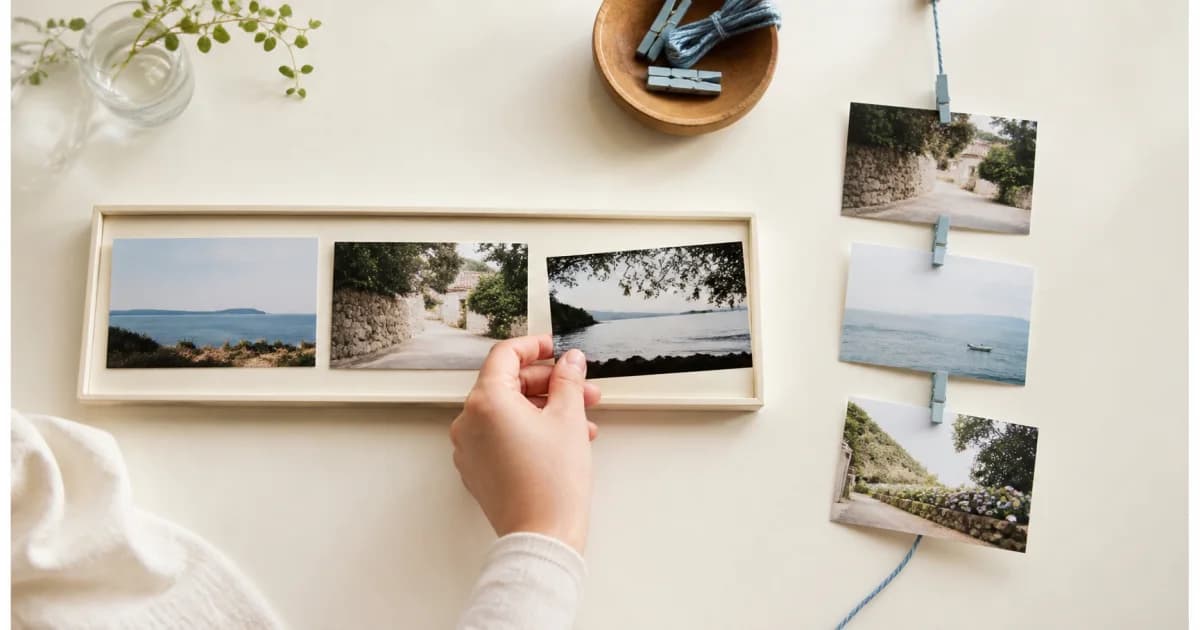
A wide view establishes where and what; an action photo shows progress; a detail preserves a material or small trace you may forget. Three pictures with different roles can be more useful than three slightly different angles of the same object.
For building a bookcase, you might choose parts spread on the floor, a corner during assembly, and the first book placed on the finished shelf. Faces are optional. If an expression is central, prioritize it over a similar background. These roles do not require restaging missing photos.
Decide whether shooting order should also be story order
Actual sequence is often clearest when the process matters. You can start with the finished result and then explain the process, but mixing photos from other days as though they show that day's steps can mislead. Explain the timeline even when changing the display order.
When combining received and self-taken photos, delivery order is not event order. If uncertain, group them as ‘scenes from the same day’ rather than forcing a sequence. Do not invent cause and effect just to create a smoother story.
Ask what each similar photo adds
Remove similar pictures one at a time and see what information disappears. A changed expression or meaningful action can justify keeping both. If only the background differs slightly, choose one for the diary and decide separately how to store the others.
Would the place or event be hard to understand without this photo?
Does it add an action, expression, or detail absent from the previous one?
Can you explain in one sentence why it belongs?
If it reveals much private information, could another picture serve the same role?
Use short text to connect unseen moments
You do not need photos of every intermediate step if you have only the beginning and end. ‘We took it apart once to reread the instructions’ can bridge the gap. Describe what happened between photos instead of explaining every visible detail.
If an event includes pictures from different people, note their viewpoints. Do not assign a photographer when unsure. Notes can preserve sounds and reasons for choices; they need not repeat colors and shapes already clear in the images.
Review the sequence and retain what helps understanding
Read the title, photos, and text in the order a first-time viewer would. Check for unexplained location changes and long runs of similar pictures. Some omissions may be intentional, so every transition need not be perfectly smooth.
Pogaem supports multiple photos and notes in an entry. See the related guide for the steps to reorder them; here, focus on which sequence best explains your event. Excluding a photo from an entry and deleting it from your phone remain separate decisions.
Frequently asked questions
How many photos should one entry contain?
Consider each picture's role rather than a fixed number. Two may explain the event, while a meaningful process may call for more.
Can I put the finished result first?
Yes. If the display order differs from the actual sequence or includes other days, explain the timeline in the text.
Should I delete photos excluded from the diary?
No. Selecting pictures for one entry is different from deleting originals. Build the entry first and decide about original storage separately.