Organize phone photos by date and by topic
More photos call for a clearer way to find them. Explore topic calendars for travel, family and pets, and revisit your days through calendar thumbnails and album views.
Photo organization
Photographing a Collection: Identify Items and Track Their Condition
Give each collectible a consistent name and record its details, condition, and storage location. Keep observed facts separate from stories and personal impressions.
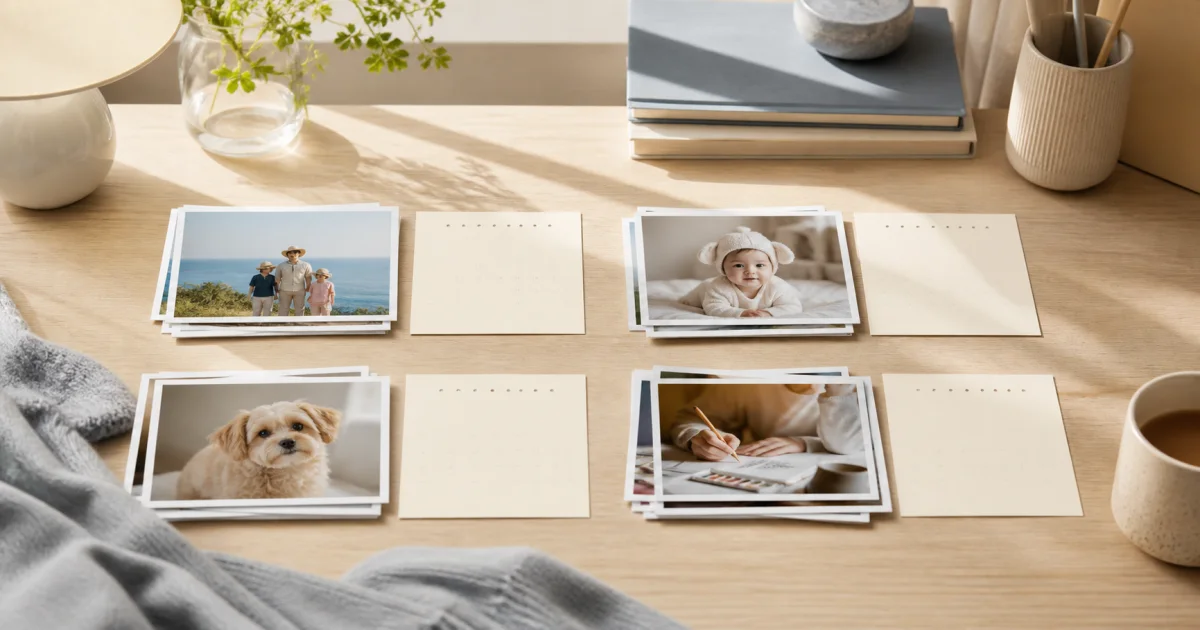
A Keepsake Photo Diary for Tickets, Postcards, and Their Stories
Connect tickets and postcards with their stories and storage locations. Choose useful details, protect private messages, and distinguish photos from originals.
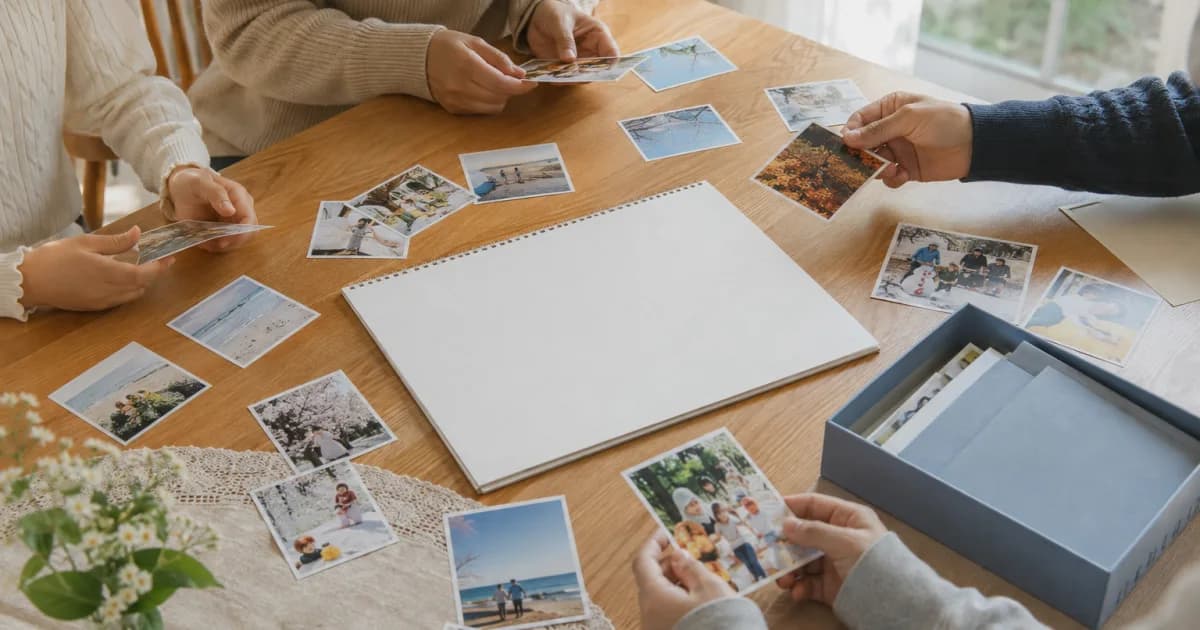
Photo Diaries After Midnight: Choose the Date That Fits the Story
Choose actual calendar dates or group a late-night event under its start date. Preserve the real timing in notes and agree on a rule for shared entries.
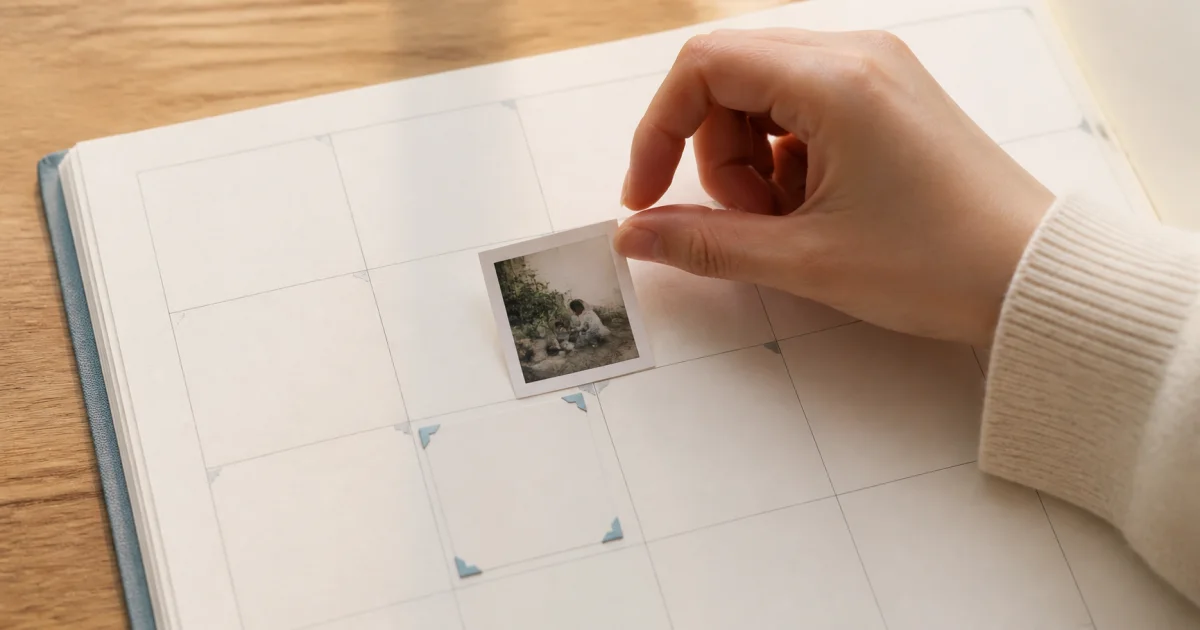
Building a Photo Diary Story from Several Pictures
Choose photos with distinct roles: setting, action, and detail. Arrange them clearly and use short notes to connect the moments the pictures do not show.
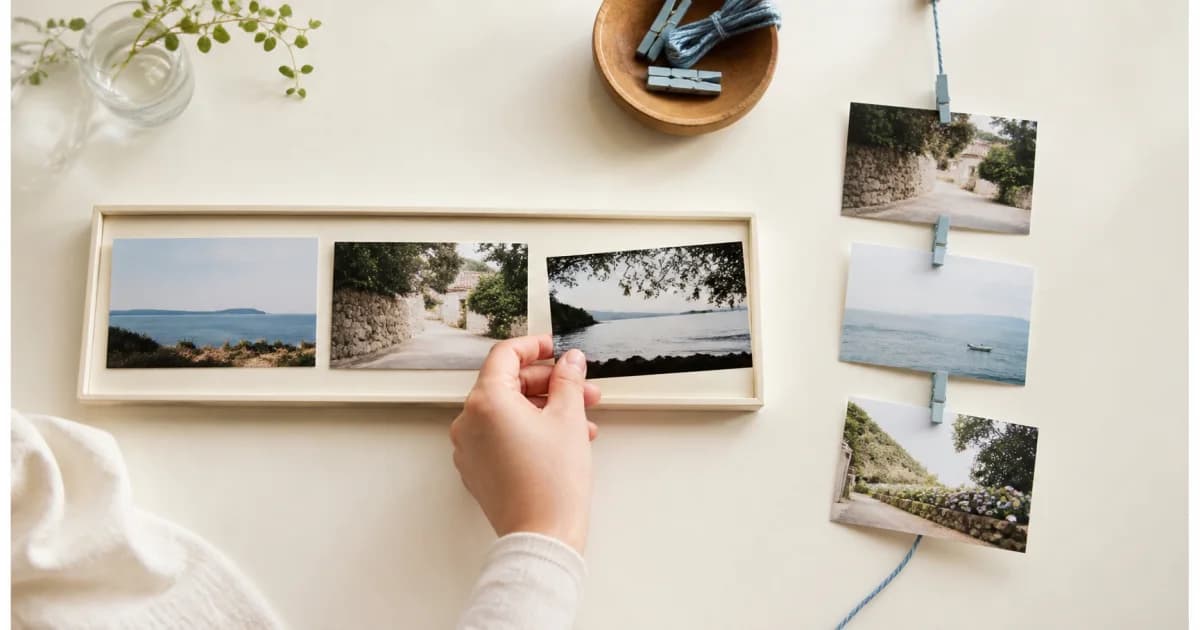
Dates in Travel Photo Diaries: Local Days and Later Reflections
Keep travel dates clear with a stated local-date rule. Distinguish transit days, photos received later, uncertain timing, and reflections written after returning.
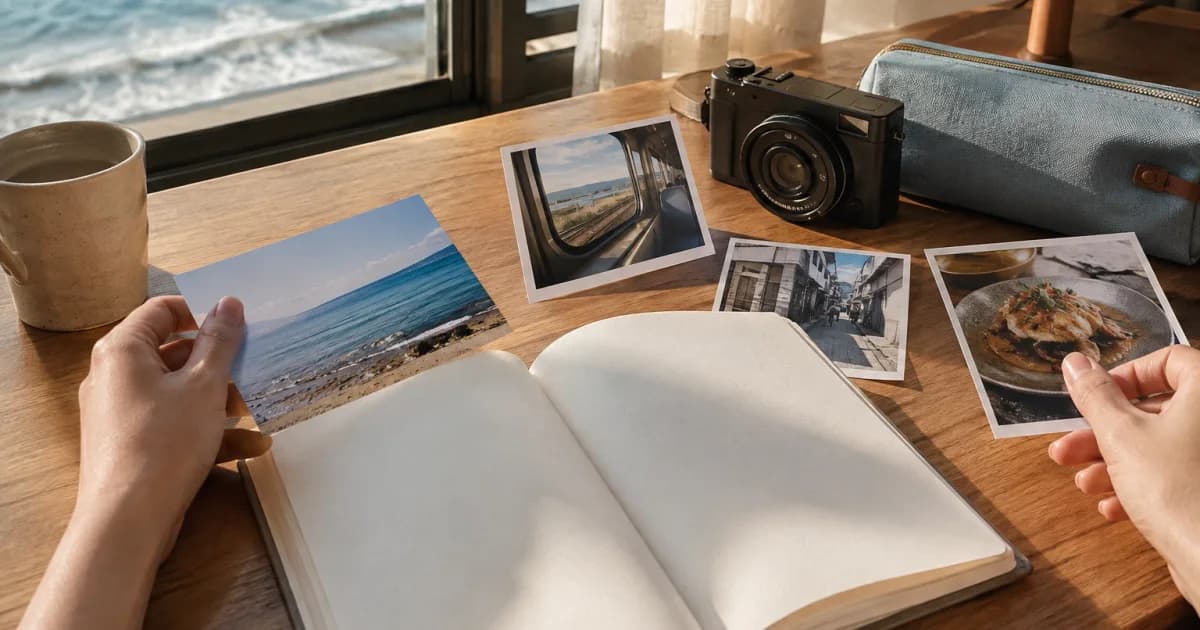
Too Many Similar Photos? Choose the Ones Worth Keeping in Your Diary
Compare one scene at a time for clarity, expression, and storytelling. Select diary photos first, set uncertain choices aside, and consider deletion separately.
Organizing Film Scans: Separate Capture Dates from Processing Dates
Connect film scans to their roll and frame clues. Keep delivery dates separate from capture dates, label uncertain timing, and preserve the original files.
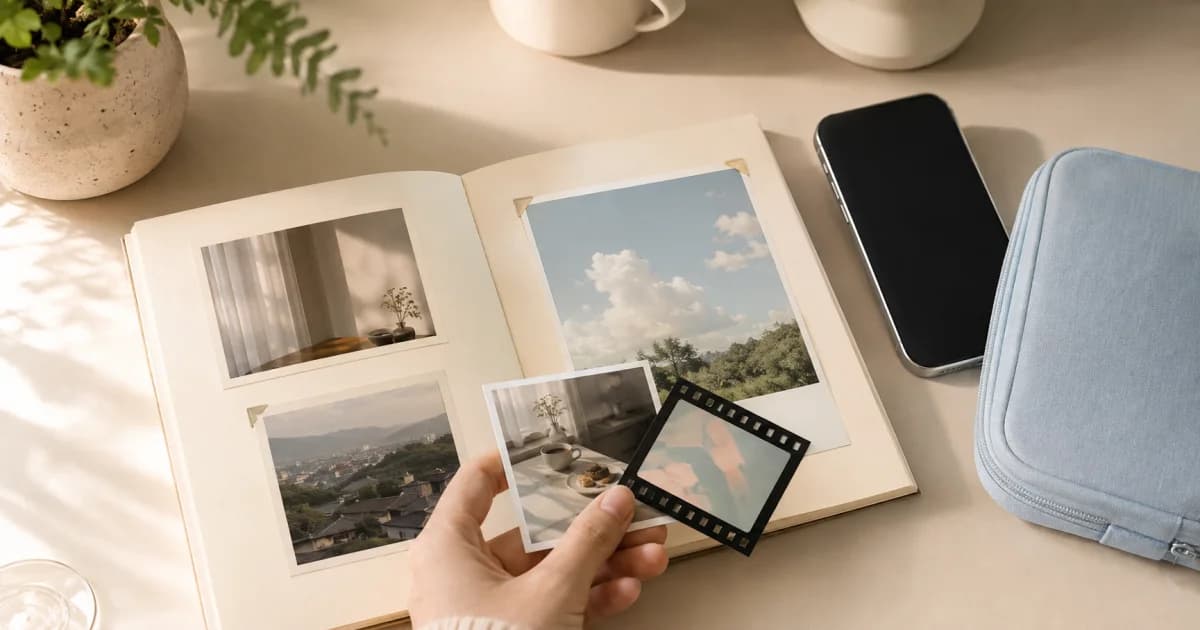
A Moving-Home Photo Record for Finding Boxes and Settling In
Connect room layouts, box labels, contents, and new locations. Use consistent names and useful notes while keeping addresses and access details out of photos.
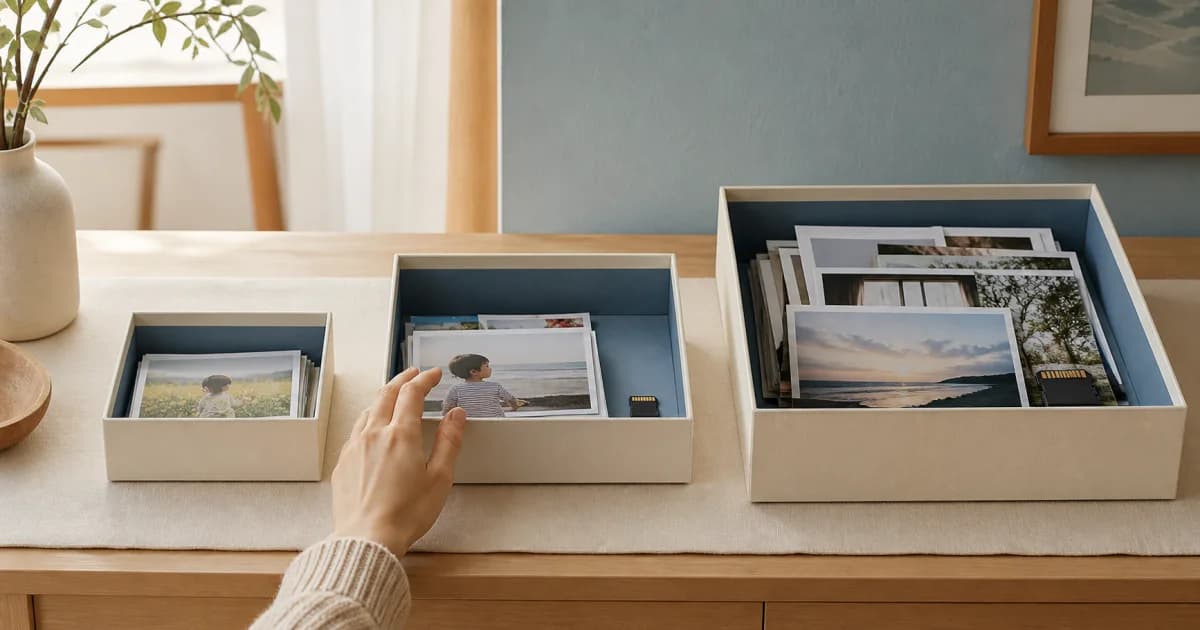
Organizing Old Family Prints: Preserve the Clues on the Back
Pair the front and back of family prints with a shared identifier. Separate visible facts, relatives' memories, and estimates while connecting copies to originals.
Organize Cooking Photos in Calendars by Topic
Keep preparation, cooking changes, and finished dishes together by date. Add a short next-time note, choose clear covers, and share family meals in one calendar.
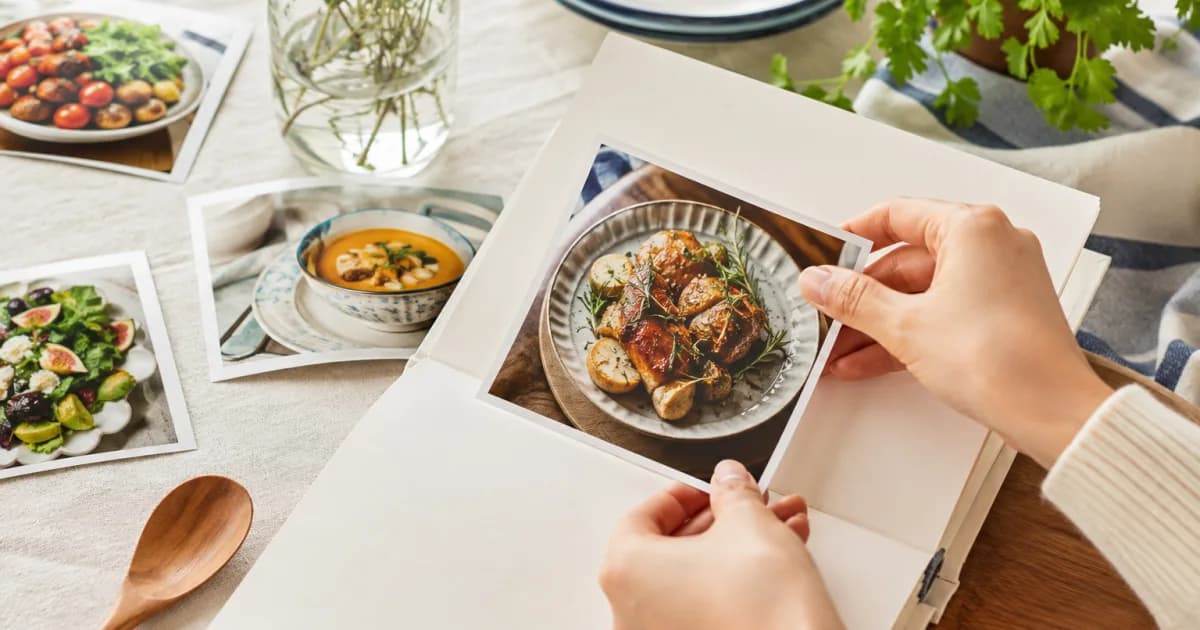
Filter an Album by Calendar and Date Range
Select one or more calendars and an inclusive date range. Album filters use saved local capture dates, with no calendar selected meaning all accessible calendars.
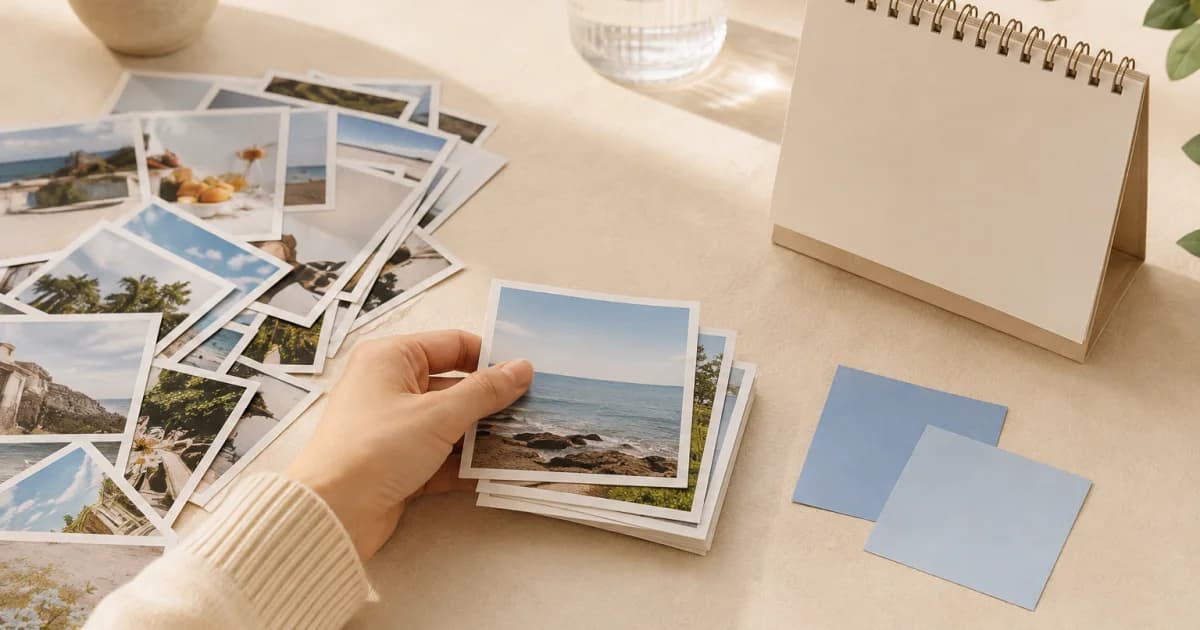
Find a Day's Diary Entry from an Album Photo
Browse familiar scenes when dates or words escape you. Tap an album photo to open its linked entry, then read the notes and view the card's other media.
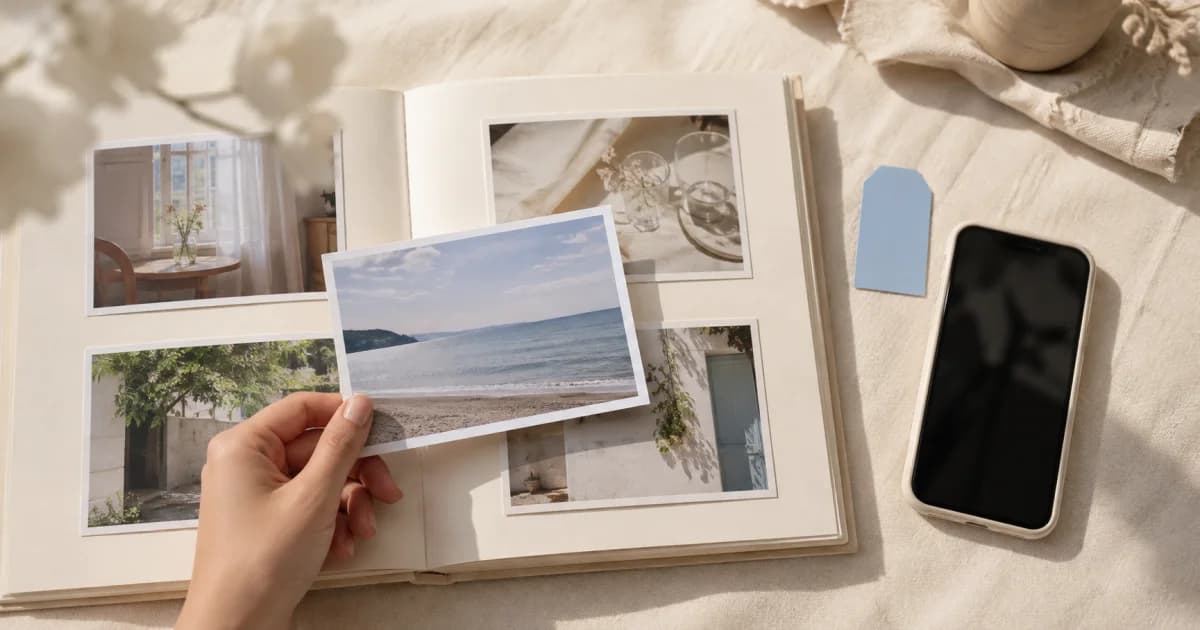
Organize Travel Photos by Date Before They Become a Backlog
Use one trip calendar with dated scenes and short notes. Record lightly while traveling, add detail afterward, and gather companions' perspectives in a shared diary.
View Photos from Several Calendars Together in Album
Open Album to browse accessible personal and shared photos by recent capture date and month. Tap into entries and understand which media and calendars are excluded.
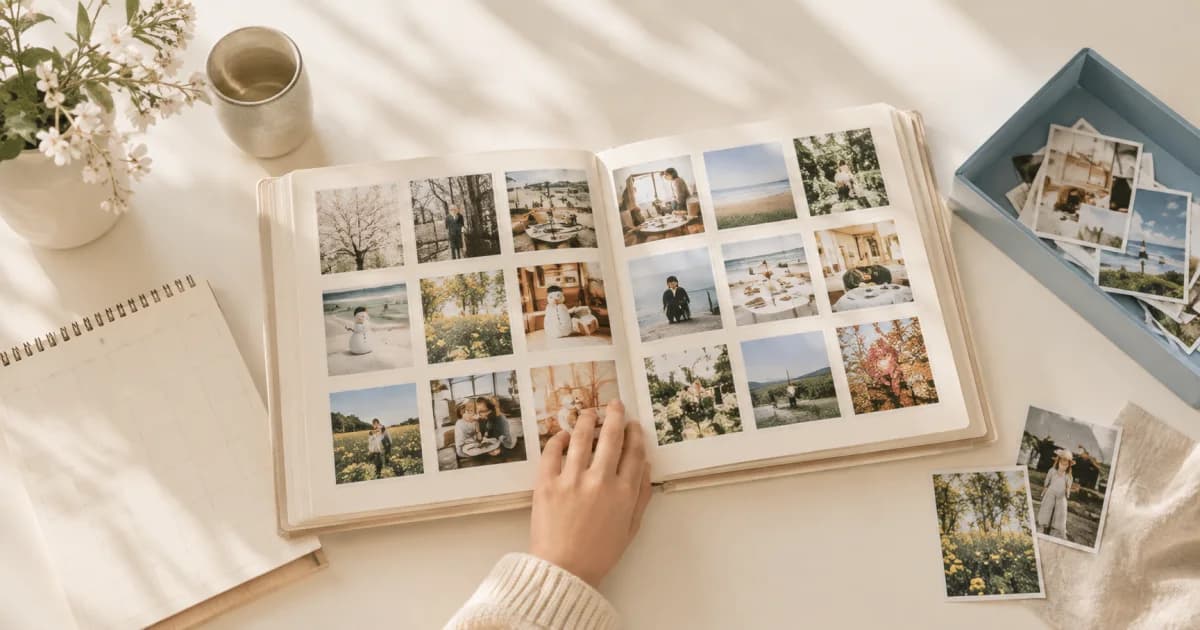
Create a New Photo Calendar from a Device Album
Choose a device album to organize its photos by capture date in a new personal calendar. Compare empty calendars and system pickers, and review excluded videos.
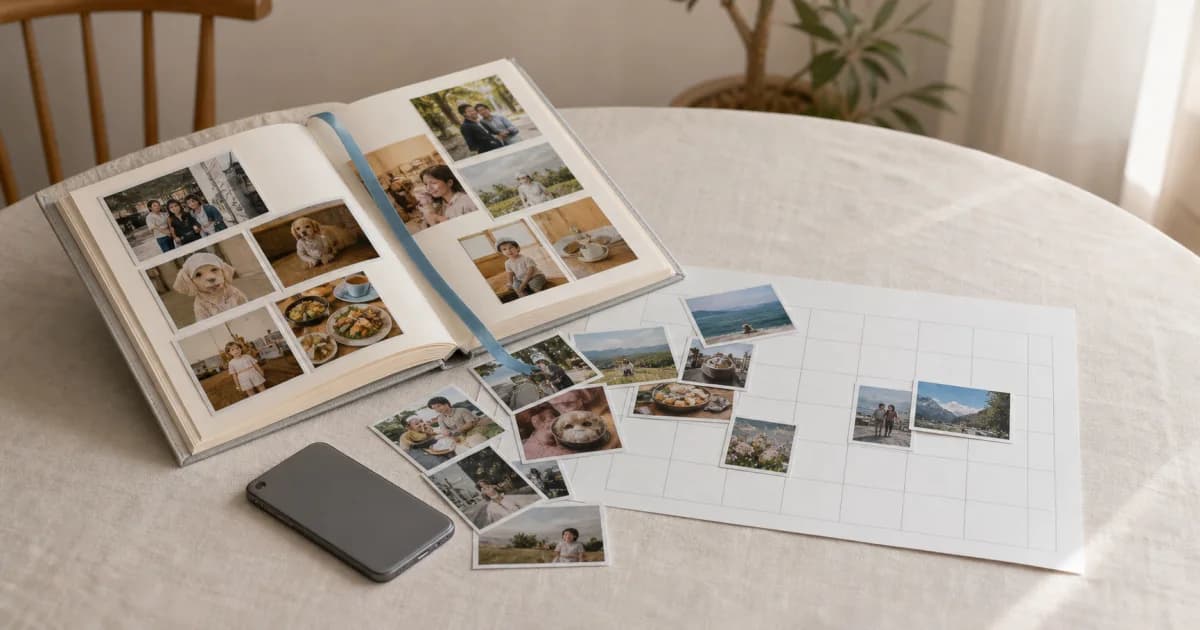
Calendar View or Album View: Choose How to Browse Your Memories
Use the monthly calendar for dates and gaps, or a calendar's album grid for photos and videos. Switching views changes presentation without copying stored media.
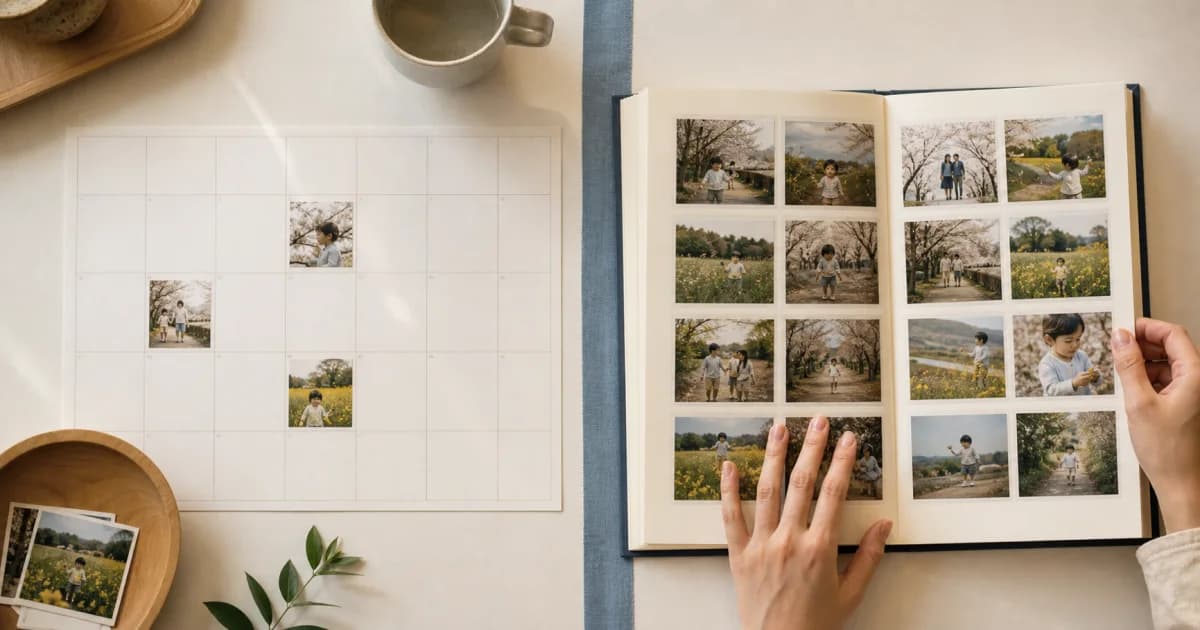
How to Organize Gallery Photos by Capture Date in One Go
Select photos and videos across several days to group them by capture date. Check missing dates, video plan limits, and the saved calendar entries.
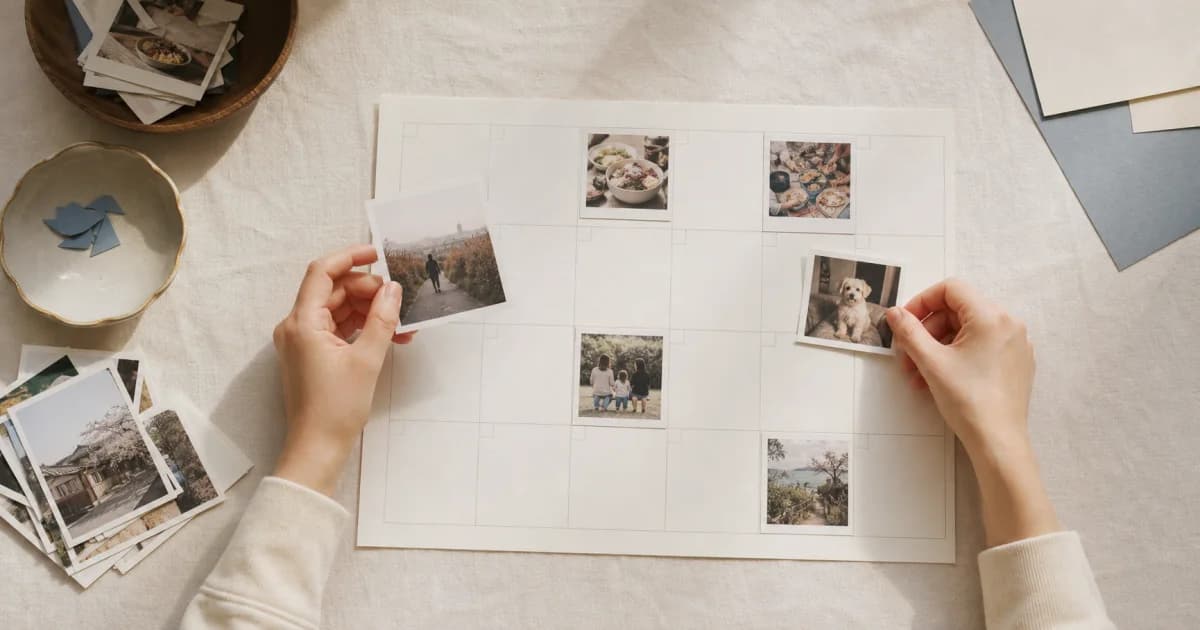
Keep Photos Together by Creating Calendars for Each Topic
Separate travel, child, pet, and hobby photos into dated calendars. Add several photos and notes per entry, then keep going with reminders and widgets.