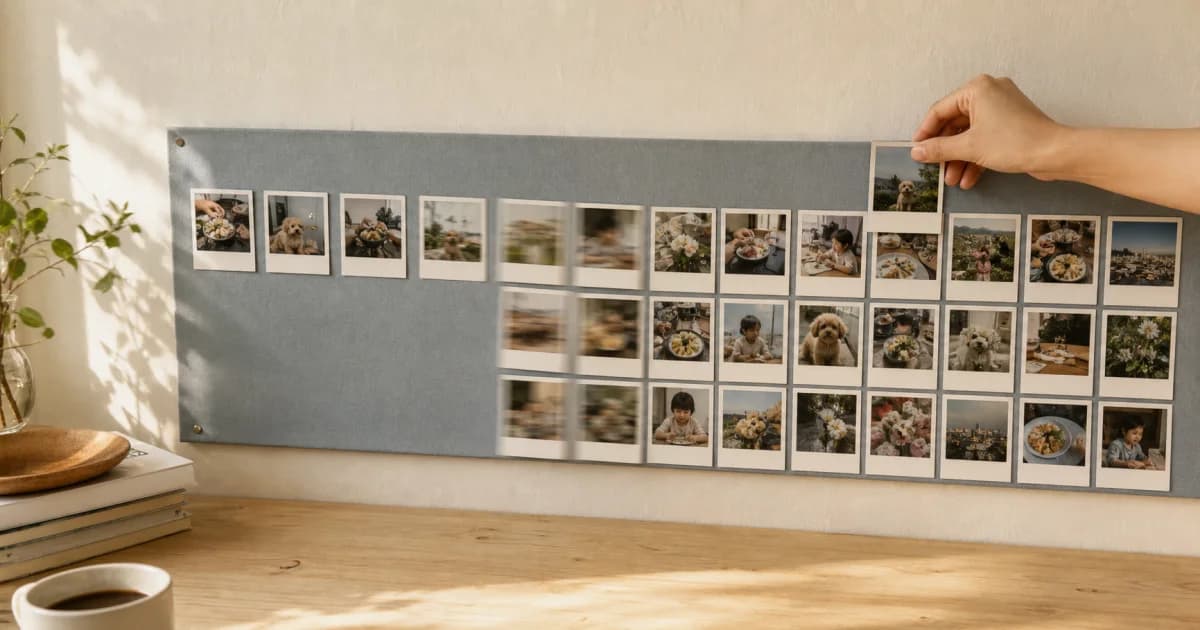
What does a three-second calendar video show?
It shows photos recorded in your selected month filling the calendar within three seconds. Its focus is a quick look at how often you recorded and the colors of your days, rather than a long viewing of each photo.
The brief format makes it easy to repeat each month and use as a small ritual for finishing that month's record.
Which months work well as videos?
The filling effect is clearer when photos appear across several dates. It is fine if you did not record every day: the actual rhythm, including empty cells, is part of that month.
A month full of scenes, such as a child's birthday or a trip.
A month when you want to review consistency in exercise, meals, or study.
A month of small changes in a pet or plant.
A year-end review of each month's entries.
How to create a three-second calendar video
Choose the calendar and month you want to revisit.
Review the monthly screen to check that day covers show your intended scenes.
In the output menu, select the three-second video that displays the month's photos.
Play the finished video and check for photos you do not want to share.
Share it yourself to your chosen destination only if needed.
Cover photos matter especially in a short video
Three seconds cannot explain every photo from each date. The day cover in each calendar cell sets that day's impression, so choose scenes that remain distinct when you scan the month.
If the photos have similar compositions, try day covers with different colors or distances. This can make the calendar's flow easier to read without additional video editing.
It serves a different purpose from Photolapse
A three-second calendar video quickly shows the whole month filling up. Photolapse instead uses a period containing at least three photos and lets you choose an aspect ratio, date display, and playback speed to show changes between scenes more clearly.
Choose the three-second video to review how fully you recorded a month. Choose Photolapse to follow changes in one subject or the sequence of a trip.
Frequently asked questions
Which month's photos does the three-second video use?
It shows the photos filling the calendar for the single month you select.
Can I create one if the calendar has empty dates?
Empty dates do not make the month's record wrong. You can review the pattern of the dates you actually filled.
Are a three-second calendar video and Photolapse the same feature?
No. The three-second video shows a monthly calendar filling up. Photolapse joins photos in calendar date order from a range containing at least three photos, with choices for ratio, date display, and playback speed.