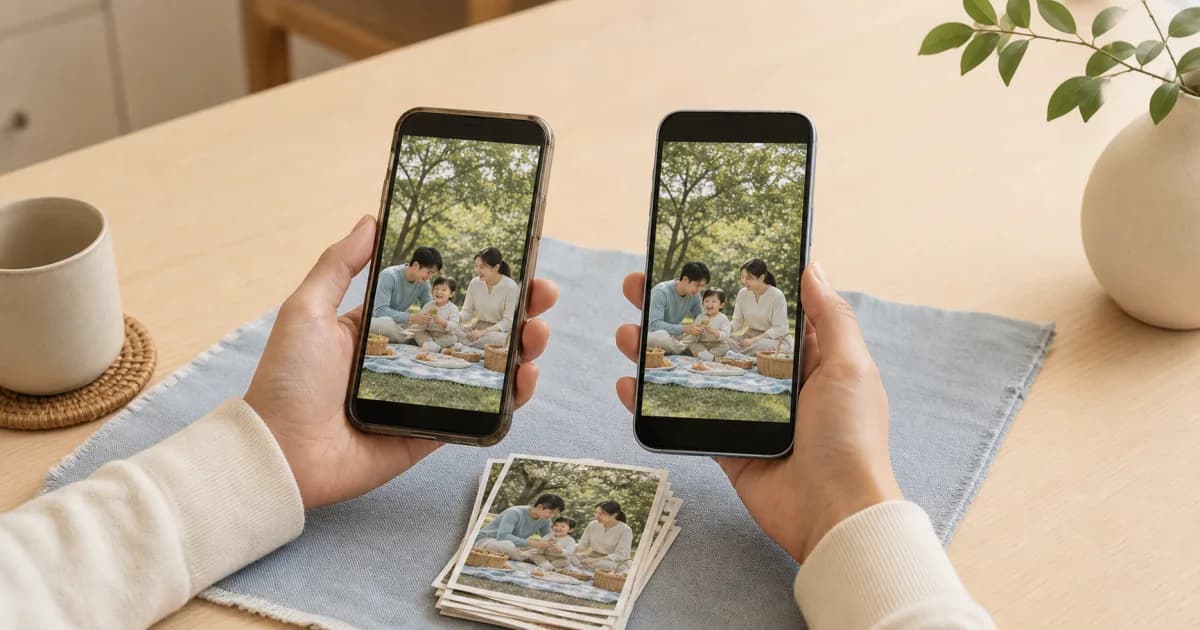
What should you check first before changing devices?
First check that the old phone has synchronized through your latest entry. A photo being visible on screen does not prove its cloud upload has finished. Insufficient cloud space or an unstable connection may leave files stored only locally.
Keep the old phone intact and avoid trading it in until you have finished these checks.
Check both local entries and cloud status
Some entries may have local copies in Pogaem on your current device but unfinished uploads. For media imported from your gallery, check the gallery originals too. Seeing an entry in Pogaem does not mean restoration on the new device is complete.
Photos and notes on the most recently added date.
Large video entries.
Entries added after a cloud storage warning appeared.
Entries added on an unstable network during travel or an event.
A careful sequence for moving to a new phone
Check Pogaem's synchronization and upload status on the old device.
Check local entries and media copies in Pogaem, along with gallery originals for imported media.
If needed, prepare an additional ZIP backup of important personal calendars.
Open Pogaem on the new device and check the calendars and recent entries you need.
Open sample photos and notes from early, middle, and recent dates.
Clear the old device and local copies only after all verification is complete.
A ZIP backup is an extra safeguard for personal calendars
You can bundle a personal calendar's photos, videos, and notes into a separate ZIP file. It serves a different purpose from continuing synchronization on the new phone, but gives you an additional copy of important materials to check.
Shared calendars are not included in ZIP backups. You need internet access to retrieve media that is missing from your device, and always need enough device space to create the archive. Check both before the move.
Set up your PIN again on the new device
Pogaem's six-digit PIN lock is a device-specific setting and does not synchronize between devices. Enabling it on the old phone does not automatically apply the same PIN on the new phone.
After checking your entries on the new phone, set a six-digit PIN again. Synchronized content and device lock settings are separate.
Clearing the old device comes last
Do not finish verification as soon as you see the calendar list on the new phone. Open days with many photos, days with videos, and days with long notes to check the actual content.
Only reset the old device or delete photos after confirming every entry you need. Keeping this order is a simple way to reduce the risk of losing entries during a phone change.
Frequently asked questions
What should I check in Pogaem before changing phones?
Verify that synchronization and uploads on the old device are complete through the latest entry, then check that photos, videos, and notes actually open on the new device.
Is creating a ZIP backup enough to prepare for a phone change?
No. A ZIP is an additional backup for personal calendars. You still need to check synchronization on the old phone and that entries are available on the new one.
Will my old Pogaem PIN also apply on the new phone?
No. The six-digit PIN is device-specific and does not synchronize, so you need to set it up again on the new device.