Photo diary backup, privacy and account management
Knowing where memories are stored makes them easier to look after. Explore moving to a new phone, backup downloads, photo permissions, PIN locks and account management.
Privacy & backup
Do Cloud-Synced Photos Still Need a Separate Backup?
Understand sync, uploads, and independent backups. Check Pogaem's personal-calendar ZIP contents and open saved files before deleting entries or replacing a device.
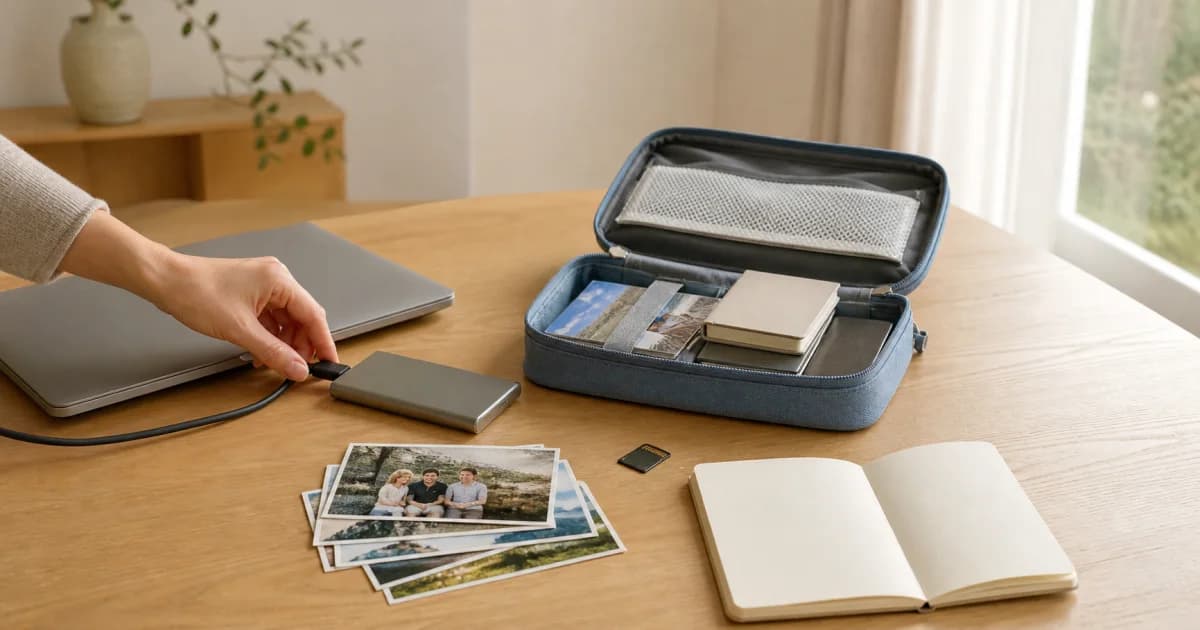
Hiding Photos on the Map vs. Deleting Their Saved Locations
Understand the difference between hiding map display and deleting saved locations. Check the scope for your shared-calendar uploads and confirm settings succeed.

Before Sharing a Photo Diary, Check the Final Copy
Inspect the actual image, video, or document for faces, names, addresses, codes, and notes. Then check the destination account and audience before sharing.

Clear Cache vs. Reset Data in Pogaem
Clearing cache preserves photos and entries. Resetting data permanently deletes owned calendars and content; contributions to others' shared calendars may remain.

Remove One Photo or Delete an Entire Photo Diary Entry
Edit an entry to remove one image while keeping its text and other media. Whole-entry deletion removes everything together; check permissions and downloads first.

Before Deleting a Pogaem Account: Data and Subscription Conditions
Review deletion scope, retained shared contributions, backups, and the DELETE confirmation. Cancel store auto-renewal separately if you want to stop future billing.

Signing Out, Resetting Data, and Deleting a Pogaem Account
Compare what signing out, resetting data, and deleting an account remove or preserve. Check shared contributions, confirmation words, subscriptions, and backups.

Reset Pogaem Data While Keeping Your Account
Keep your account and subscription while permanently removing owned content. Review retained shared contributions, type RESET, and verify backups before proceeding.

What to Check When Pogaem Cloud Storage Is Full
When Pogaem cloud storage fills up, new media may stay only on your phone. Check local copies, make space, and verify uploads before changing devices.

Add Calendar Photos with Limited Photo Access
Use Pogaem with access to selected photos, add more through the system photo picker, and check permissions without changing or deleting gallery originals.
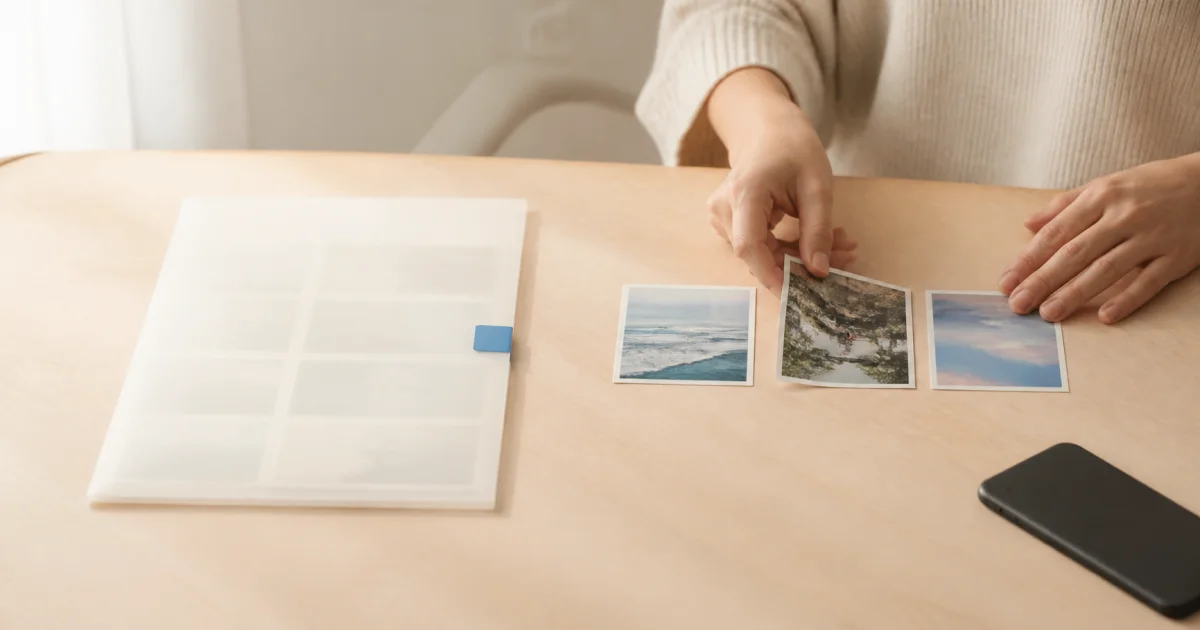
A Checklist Before Moving Your Photo Calendar to a New Phone
Check uploads and local copies before changing phones. Prepare a personal calendar ZIP if needed, then verify photos, videos, and notes on the new device.

How Does Pogaem Handle Photo Diary Privacy?
Learn what Pogaem's no-AI-training promise means, how service analytics differ, and why a six-digit app PIN does not mean end-to-end encryption.
Set Up, Change, and Recover Pogaem's Six-Digit PIN Lock
Set, change, or disable a device-specific six-digit PIN. If you forget it, verify cloud saving before reinstalling to avoid losing local-only entries.