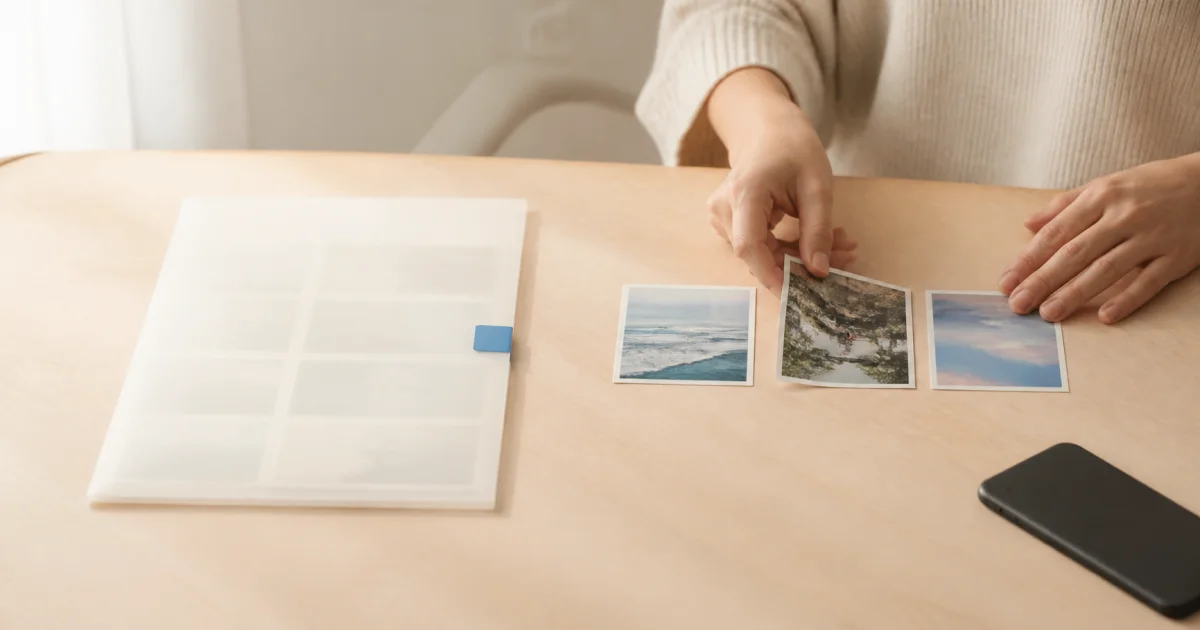
Prepare the same sample entry before comparing apps
Apps may seem similar if you only add one photo. Prepare material resembling your actual use: photos from different days, several from one day, and a two- or three-sentence note. That is enough to reveal friction without using sensitive pictures.
These are items to test, not rankings or quality ratings. Mark each ‘essential,’ ‘occasional,’ or ‘optional’ so you need not postpone choosing while seeking every feature. Compare your own use cases rather than other people's scores.
First test dates, then multiple photos
First, check dates. Can you add an entry to a past date and correct an incorrect one? Consider whether you need manual judgment when a file's date differs from the day you remember. Automatic organization does not guarantee correct dates.
Second, test grouping several pictures into one event. Add a photo-heavy day from a trip and inspect the order and ease of reopening a scene. Decide whether one photo per entry or several photos per entry suits how you write.
Third test notes, then finding entries again
Third, enter your usual amount of text, save, and reread it. Check for truncation, readable line breaks, and the ability to add missing explanations later. Many decorative features will not help if everyday writing is awkward.
Fourth, find an older date instead of judging only the first screen with a few entries. Consider cases where you remember the date and cases where you remember only a word. A feature called search does not necessarily recognize text inside photos; check its scope.
Fifth check sharing, then storage and export
Fifth, check who can see what. Understand private and shared spaces and whether an invite grants access to existing entries. An app lock may restrict access on your device, but it cannot retrieve files already sent to someone else.
Sixth, distinguish account synchronization from separate-file backups. If export is available, check whether it includes just photos or also notes and dates, and whether videos are excluded. Export and open a small sample for a more concrete check than reading feature descriptions alone.
Seventh, list free and paid conditions separately
‘Free to download’ does not mean your preferred usage remains free indefinitely. Check current terms for the storage, videos, and exports you need. Storage cannot reliably be expressed as a fixed photo count because file sizes and saved quality vary.
Alongside price, check which actions become restricted after a subscription ends. Mark unknown terms as unverified instead of guessing. This article does not provide current competitor prices or rank plans; use the actual terms shown before paying.
Check that your essential workflow works from start to finish
For a solo travel diary, dates, notes, and separate storage may come first. For family photo gathering, invitations and visibility may matter most. These are illustrative scenarios, not universal answers. Distinguish missing extras from gaps that prevent your actual recording.
If considering Pogaem, begin by adding photos and text by date and reopening them. Read the related guides and current in-app information for detailed plan and export terms. After testing, check that unnecessary personal material has not been left behind, then make your choice.
Frequently asked questions
Should I choose the app with the most features?
Prioritize comfort with your essential tasks. Test the workflows you need, such as dated entries, shared use, or separate storage, before comparing extras.
Is a claim of backup support enough?
Check which material is exported and in what format. Photos, dates, notes, and videos may have different coverage, so open a test export.
Does a free app have unlimited storage?
Free download alone does not establish storage or feature conditions. Check the current limits and terms for the features you intend to use.