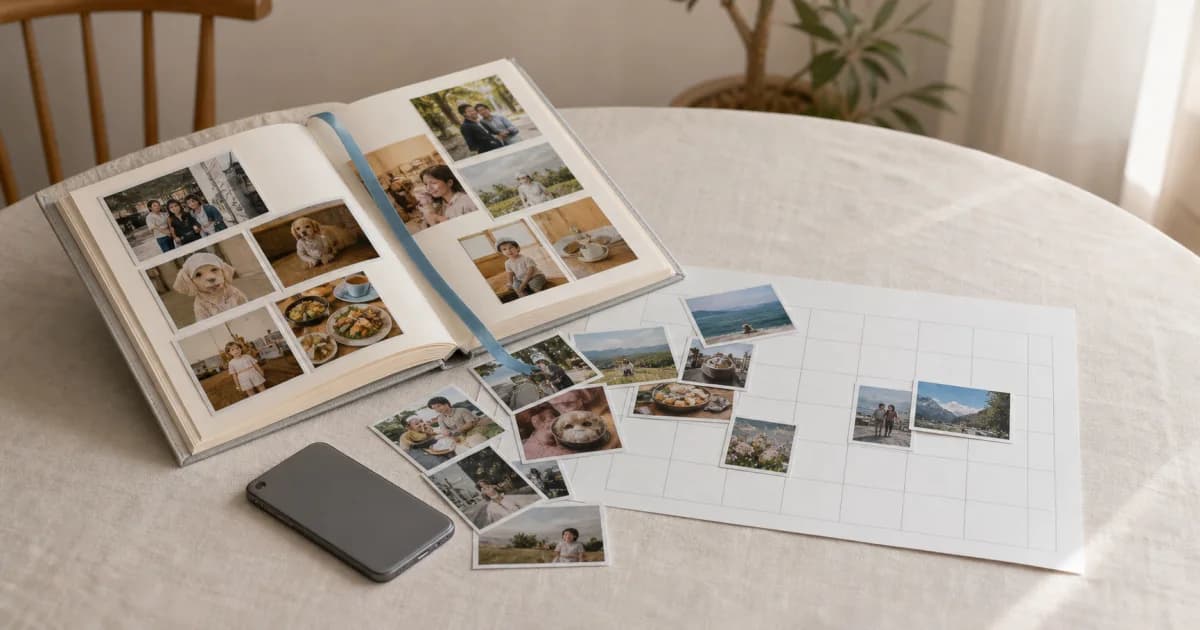
Turn one album into a dated calendar
Pogaem's album creation organizes an existing device album into capture-date entries in a new personal calendar. If you already have albums for a child, dog, or Jeju trip, you need not select every photo again.
It does not analyze photo contents to decide a topic. You choose the source album and destination calendar; the app uses the selected album's date information.
Create the calendar from an album
Start Add Calendar on Home and choose Personal to see the album list. Review its cover, name, photo count, and date range before choosing.
Tap Add Calendar on Home and select Personal Calendar.
Review album covers, names, counts, and periods.
Tap the album to import and confirm or edit the new calendar name.
After creation, inspect dated entries and import results.
Sometimes an empty calendar fits better
To start recording from today without an existing album, choose the first option, Empty Calendar. It also lets you create a calendar before granting photo access or finding an album.
An album gives you a starting point for past photos; an empty calendar suits gradually adding future photos. Both methods allow unlimited personal calendars, including on the free plan.
Use the system picker for cloud photos
Cloud images missing from the device-album list can be selected with the operating system's photo picker. This alternative also helps with Android providers such as Google Photos when originals are not local.
The system picker fills a new calendar once. It is not a continuing album link and does not mean later photos will be added automatically without authorization.
Album creation leaves videos out
Only photos are imported. Selecting an album containing videos first shows a notice explaining their exclusion and count.
Add videos afterward through an entry or Add Media to Multiple Dates. New videos can be up to 30 seconds on Lite or 2 minutes on Premium.
Check the result after importing
First inspect the date range, missing photos, and representative images. The album name may become a temporary calendar name; choose a lasting recognizable name and cover for Home too.
Check that the first and last photos sit on expected dates.
Review video-exclusion and import-failure notices.
Set day covers separately from the calendar cover on Home.
If you want ongoing album linking, check the album connection separately after creation.
Frequently asked questions
Can device albums create shared calendars too?
The current album-creation route is for personal calendars. Create a shared calendar empty, then let members add entries directly.
Are videos in the album imported too?
No. This flow imports photos only. Add videos separately after creation with a supported plan.
Can I create a calendar without photo permission?
Yes, an empty calendar remains available. The album area shows permission guidance; afterward you can grant access or use the system photo picker.