Pogaem guides: entries, widgets and everyday settings
Find the feature you need or make a setting work for you. These guides cover writing and editing entries, widgets, reminders and practical troubleshooting.
App guides
Find Entries by Their Author, Photos, or Videos
Combine calendar, author, media, and date filters to find entries. Learn how mixed-media results work and why album dates may differ from entry search dates.

Why a Photo Appears in the Album but Not on the Map
Check capture metadata, per-calendar location settings, and map filters. Learn why cloud-only originals may be skipped and how to distinguish loading errors.

Save Frequently Used Photo Diary Search Conditions
Save keywords and calendar, author, media, and date filters under a clear name. Reopen or remove saved searches without copying or deleting diary entries.
Find Old Photo Diary Entries with Words You Remember
Enter at least two characters from an entry's title or text, then narrow by calendar or date. Learn what search covers and what to check when results are empty.
Check Payment and Refund Status in Pogaem Billing History
Find subscription plans, dates, stores, amounts, and payment or refund status. Learn what missing amount information means and how history differs from management.
Edit a Saved Photo Diary Entry's Title and Text
Open Edit from an entry's detail menu to revise text and media. Keep text-only records, check shared-entry permissions, and use deletion for an entirely empty card.

Change Your Pogaem Nickname and Profile Photo
Edit your nickname and preview a new profile image from Account. Learn the 20-character limit, blank-name behavior, separate saves, and connection requirement.
Mark Pogaem Notifications as Read or Hide Them Individually
Use Updates to mark everything read or swipe one item away. Understand read versus hidden states, refresh behavior, and loading older notifications in groups of 30.
Open Comments and Shared Entries Directly from Pogaem Updates
Use Updates to open comments, new records, and member activity. Learn where each alert leads and what happens when an entry is deleted or has not synced yet.
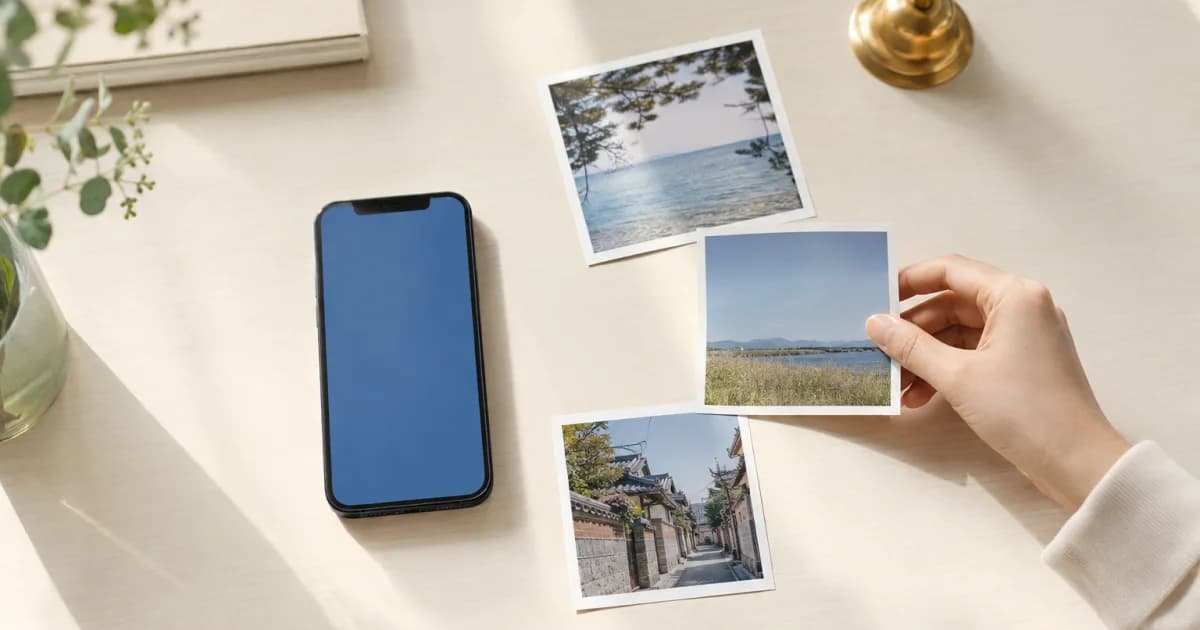
Add Videos to a Photo Diary: Length Limits by Plan
Add videos up to 30 seconds on Lite or 2 minutes on Premium. Learn whose plan applies, how to save videos with photos, and why album imports exclude video.

Set Recording Reminders by Calendar, Weekday, and Time
Choose separate days and times for each calendar. Check system permission, the global reminder switch, and individual schedules for reminders that work offline.
Change Calendar Covers and Arrange Your Pogaem Home
Choose covers from calendar photos or your device gallery, then drag Home cards into a useful order. Learn how covers differ from entries and who controls shared covers.

Day Cover Photos and Calendar Covers: How to Change Each
A day cover appears in one date cell; a calendar cover appears on Home. Learn how to change each image and who can edit them in shared calendars.

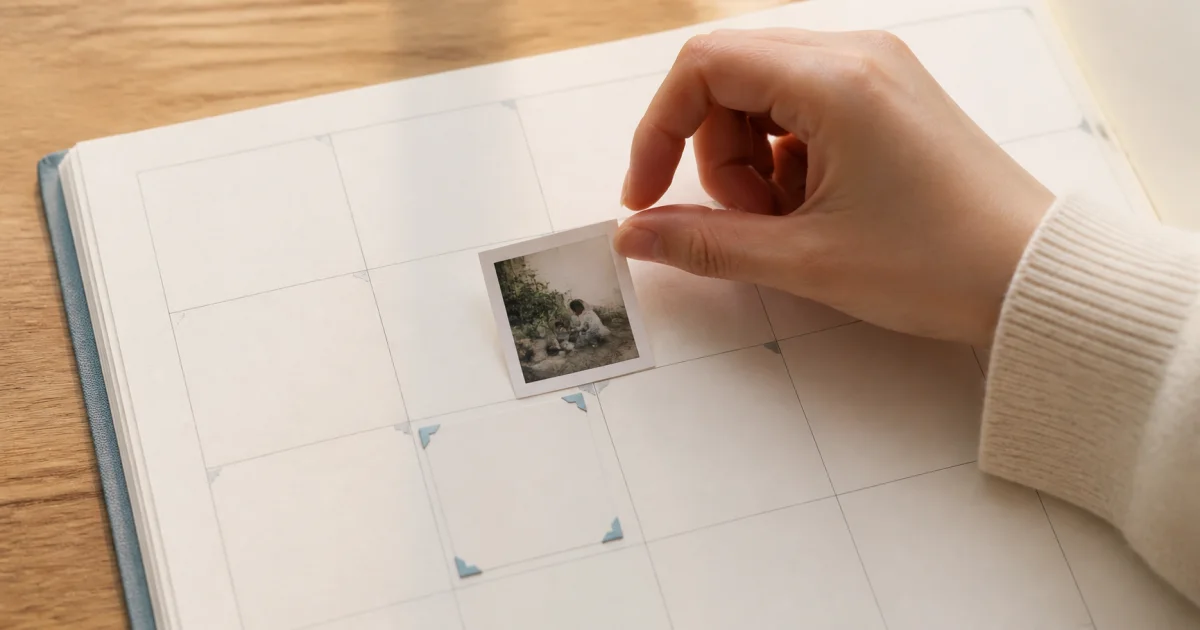
How to Move a Photo Diary Entry to the Correct Date
Move an entry and its photos to a new calendar date without changing capture metadata. Learn how saving differs for personal and shared calendars.
Pogaem's Four Notification Types and Their Settings
Understand reminders, shared-entry updates, comments, and announcements. Check device permission, app-wide switches, and individual calendar settings.
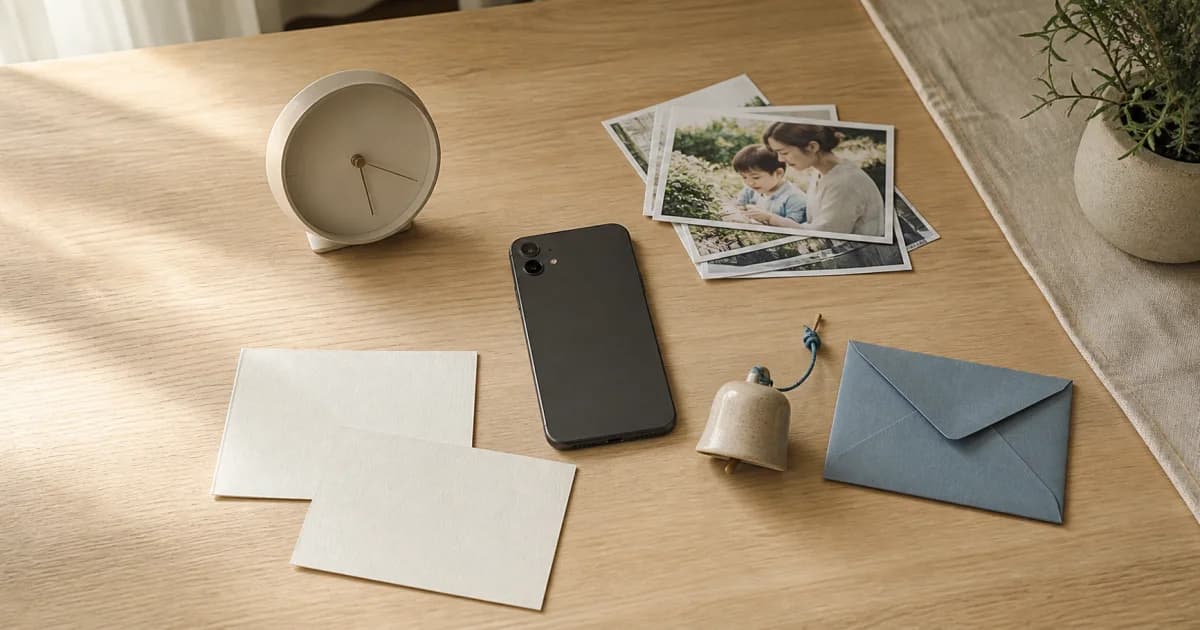
See Your Photo Diary More Often with a Home Screen Widget
Add a photo calendar widget, choose a calendar, and see the current month on your home screen. Learn how updates work and what to check if it looks empty.

Photo Diary Reminders Not Arriving? Six Settings to Check
Check notification permission, the overall reminder switch, and each calendar's schedule. Review phone settings and save a new local reminder to test it.
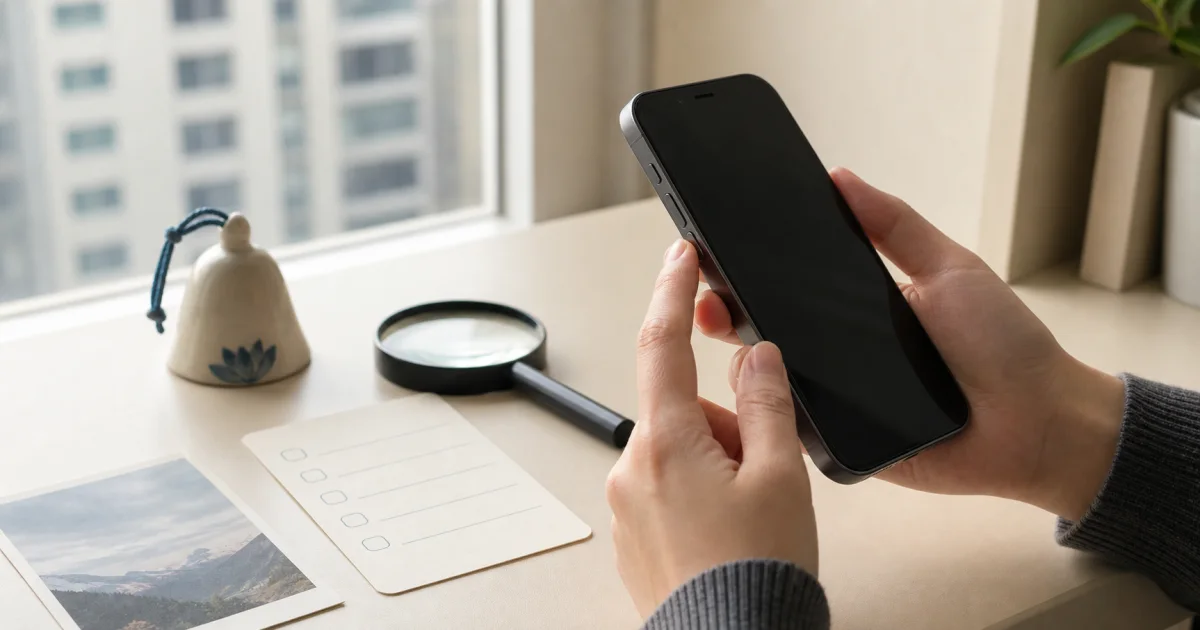
Economy, Standard, and Original Photo Quality Compared
Compare 1440px Economy, 2048px Standard, and unchanged Original files. Learn how defaults, future uploads, and shared-calendar owner settings work.

Pogaem Free, Lite, and Premium Plans Compared
Compare 1GB, 20GB, and 100GB of cloud storage, video limits, and downloads. All plans allow unlimited calendar creation; check final pricing in the app.
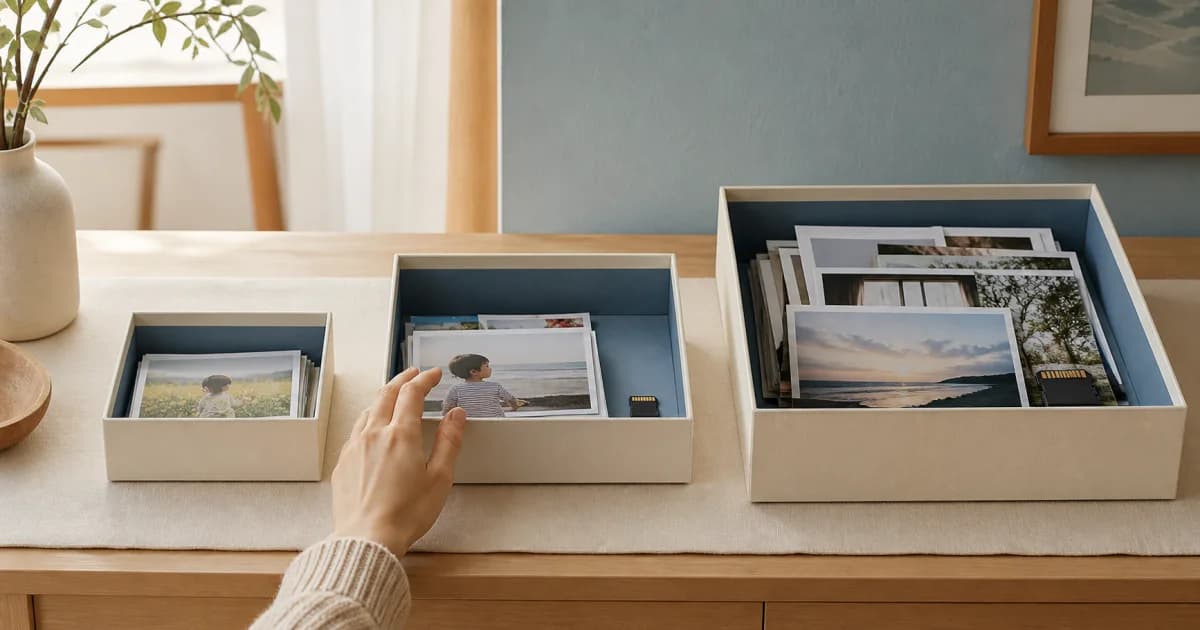
Set Up Pogaem Entry Reminders After Changing Phones
Entry reminders do not transfer automatically to a new phone. Restore permissions and calendar schedules, then check the old device for duplicate alerts.
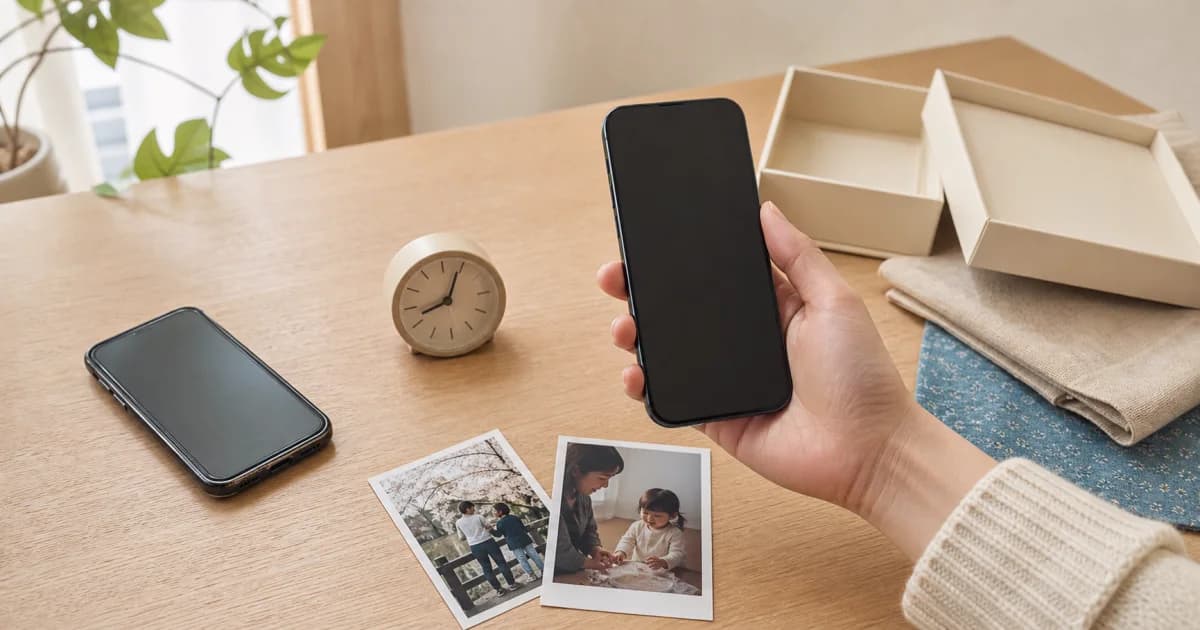
Reorder Photos and Choose Horizontal or Vertical Viewing
Arrange photos in story order, then choose horizontal swiping or vertical viewing for the calendar. Learn how shared-calendar settings and video limits differ.

Keep Track of New Photos with Automatic Album Linking
Link a device album to a personal or shared calendar for free. Choose manual selection or automatic addition by capture date, then check access and permissions.