Keep the moments. Remember the days.
Small ways to turn your photos into a diary, and practical guides to making Pogaem part of everyday life.
Collect Family and Couple Photos in a Shared Calendar
Keep family and couple photos organized by date. Invite unlimited participants with codes or links, add comments, and understand who can see your entries.
Read the story →
Latest stories
A Child-Led Photo Diary: Let Their Pictures and Words Lead
Help your child choose a photo and tell its story in their own words. Learn how to ask questions, check school requirements, and agree on sharing.
Photographing a Collection: Identify Items and Track Their Condition
Give each collectible a consistent name and record its details, condition, and storage location. Keep observed facts separate from stories and personal impressions.
Before-and-After Photo Diaries: Find Storage That Works
Record what was awkward, what you moved, and how it works a week later. Start with one drawer and use photos to find a layout that fits daily life.
A Family Story Photo Diary: Separate Stories from Your Memories
Record family conversations with clear dates and attribution. Keep remembered stories, verified facts, and your own reflections distinct before sharing.
A Gift Photo Diary: From Receiving It to Using It Every Day
Connect a gift's arrival with the moments you use it. Record the giver's words and your own feelings separately, and check private details before sharing.

A Keepsake Photo Diary for Tickets, Postcards, and Their Stories
Connect tickets and postcards with their stories and storage locations. Choose useful details, protect private messages, and distinguish photos from originals.
Naming Photo Diary Entries with Clues You Can Find Again
Give each photo diary entry a recognizable scene, action, or change. Use consistent search words and check titles for private details before sharing.

Paper or Digital Photo Diary: Choose How You Write and Keep Memories
Compare writing, editing, revisiting, and storing paper and digital photo diaries. Try both with a week's photos and decide which record to treat as primary.
Photo Diaries After Midnight: Choose the Date That Fits the Story
Choose actual calendar dates or group a late-night event under its start date. Preserve the real timing in notes and agree on a rule for shared entries.
Seven Things to Test Before Choosing a Photo Diary App
Test a real photo entry from creation to export. Check dates, multiple photos, notes, search, sharing, storage, and current free and paid conditions.
Five Complete Photo Diary Examples, from Pictures to Prose
See how photos, titles, and text work together in five fictional entries. Adapt everyday meals, shared moments, and late memories to your own experience.

Writing a Photo Diary: Separate Facts, Feelings, and Later Reflections
Make clear what a photo shows, what you felt then, and what you think now. Mark uncertain memories, summarize conversations, and add later corrections clearly.
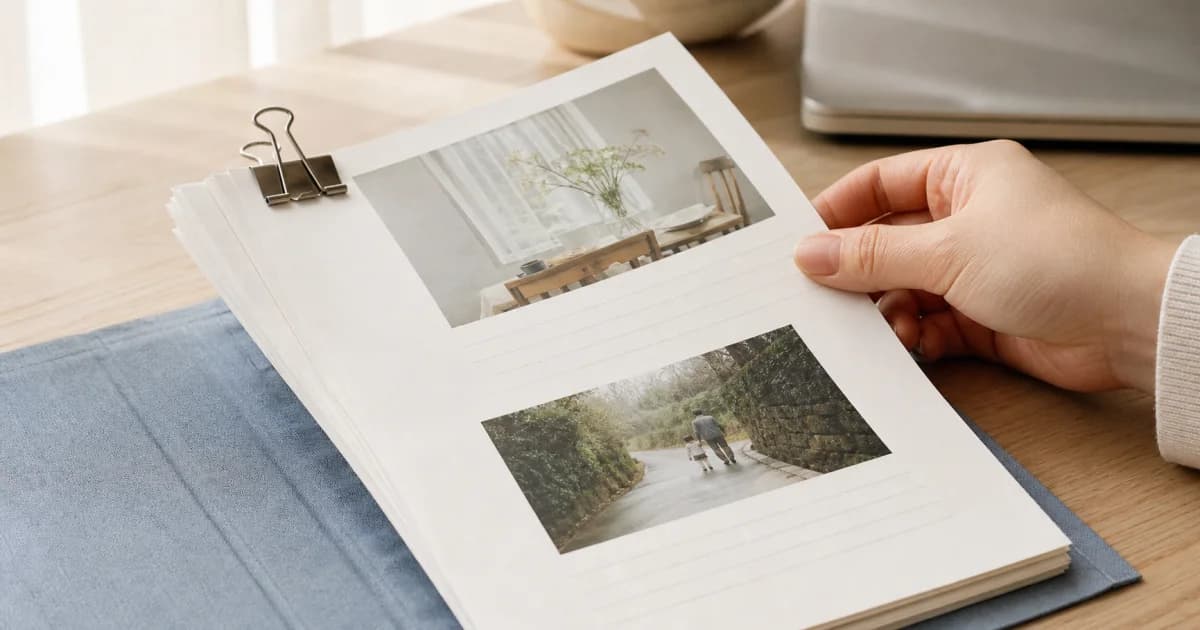
Building a Photo Diary Story from Several Pictures
Choose photos with distinct roles: setting, action, and detail. Arrange them clearly and use short notes to connect the moments the pictures do not show.
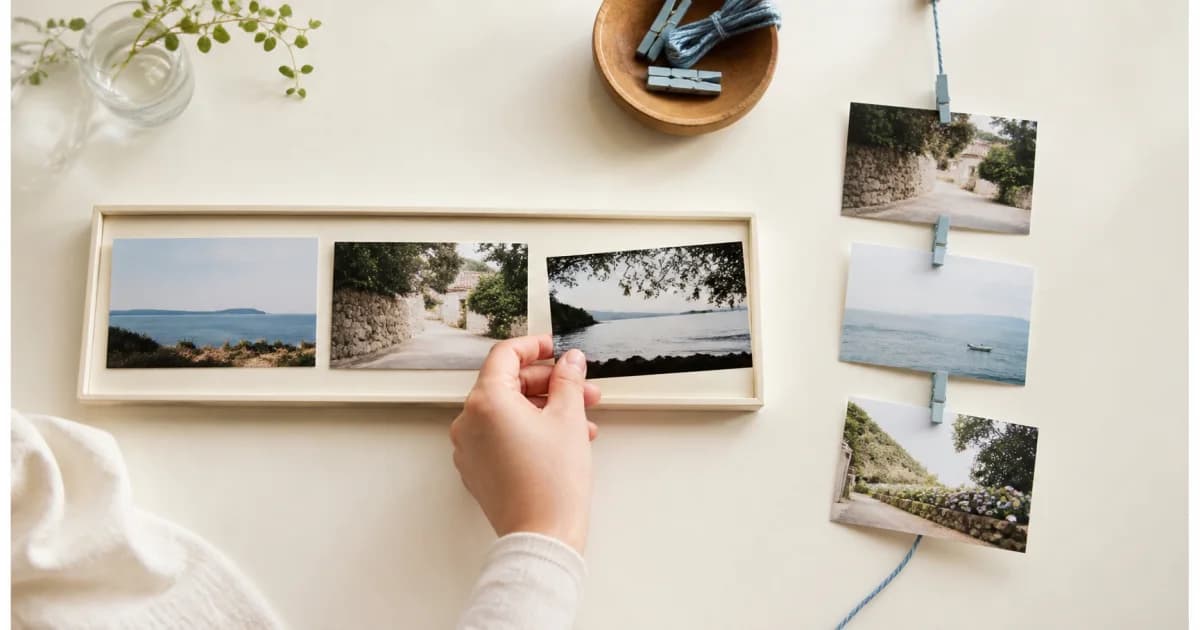
Using Received Photos in a Diary: Keep the Source and Date Clear
Use received photos to fill missing moments. Distinguish the sender, photographer, capture date, and delivery date, and check permission before sharing again.
Photo Diaries and Social Posts: Two Purposes for the Same Picture
Keep personal context in your diary and select what a social audience needs. Review privacy, original records, and exported copies before posting.
A Repair and Care Photo Log: Record an Item Before Handing It Over
Record an item's condition, the work requested, and changes afterward. Separate observations from diagnoses and keep receipts and private details separately.

A Screenshot Photo Diary: Add Your Day's Context to Saved Screens
Explain why you saved a screen and what you actually did next. Separate plans from experiences and remove private details from conversations and bookings.
A Study Photo Diary: Record Questions and Changes in Thinking
Photograph your own notes and revisions, then record a question, current explanation, and remaining uncertainty. Focus on thinking rather than hours or grades.
Dates in Travel Photo Diaries: Local Days and Later Reflections
Keep travel dates clear with a stated local-date rule. Distinguish transit days, photos received later, uncertain timing, and reflections written after returning.
What Is a Photo Diary? Begin with a Picture and Its Context
A photo diary adds personal context to a dated picture. Learn what to include, how it differs from a caption, and what to do on days without photos.
Add Your Taste to Cafe Photos with Menu and Order Notes
Record the menu name, options, drinking conditions, and your own impressions. Use cafe photos to remember preferences and make your next choice easier.
Too Many Similar Photos? Choose the Ones Worth Keeping in Your Diary
Compare one scene at a time for clarity, expression, and storytelling. Select diary photos first, set uncertain choices aside, and consider deletion separately.
Do Cloud-Synced Photos Still Need a Separate Backup?
Understand sync, uploads, and independent backups. Check Pogaem's personal-calendar ZIP contents and open saved files before deleting entries or replacing a device.
A Daily Outfit Photo Log for Combinations You Want to Wear Again
Add weather, movement, and comfort notes to outfit photos. Record clothing combinations and real conditions without turning the diary into an appearance score.
After an Exhibition: Separate Artwork Facts from Your Impressions
Record permitted photos, verified artwork details, and your own responses separately. Use notes when photography is restricted and review the entry after visiting.

Organizing Film Scans: Separate Capture Dates from Processing Dates
Connect film scans to their roll and frame clues. Keep delivery dates separate from capture dates, label uncertain timing, and preserve the original files.
Find Entries by Their Author, Photos, or Videos
Combine calendar, author, media, and date filters to find entries. Learn how mixed-media results work and why album dates may differ from entry search dates.
Hiding Photos on the Map vs. Deleting Their Saved Locations
Understand the difference between hiding map display and deleting saved locations. Check the scope for your shared-calendar uploads and confirm settings succeed.
A Moving-Home Photo Record for Finding Boxes and Settling In
Connect room layouts, box labels, contents, and new locations. Use consistent names and useful notes while keeping addresses and access details out of photos.
Organizing Old Family Prints: Preserve the Clues on the Back
Pair the front and back of family prints with a shared identifier. Separate visible facts, relatives' memories, and estimates while connecting copies to originals.
Short Sentence Templates When Photo Diary Captions Sound Alike
Turn generic captions into specific memories with simple situation, reason, and conversation templates. Add context without overstating feelings or repeating photos.
Twenty Questions for Days When You Have Nothing to Write
Find a diary idea in an everyday object, familiar route, conversation, or choice. Pick one of 20 questions and add a concrete detail beyond the photo.
Why a Photo Appears in the Album but Not on the Map
Check capture metadata, per-calendar location settings, and map filters. Learn why cloud-only originals may be skipped and how to distinguish loading errors.
Before Sharing a Photo Diary, Check the Final Copy
Inspect the actual image, video, or document for faces, names, addresses, codes, and notes. Then check the destination account and audience before sharing.
A Reading Photo Diary: Keep Your Thoughts Beyond the Plot
Record the book, reading stage, personal response, and unanswered questions. Connect thoughts before and after finishing without copying pages or long passages.
Restart a Photo Diary Without Filling Every Missing Day
Begin with today's photo, then revisit one clear past event. Separate capture and writing dates, mark uncertain memories, and set a manageable stopping point.
Save Frequently Used Photo Diary Search Conditions
Save keywords and calendar, author, media, and date filters under a clear name. Reopen or remove saved searches without copying or deleting diary entries.
Find Old Photo Diary Entries with Words You Remember
Enter at least two characters from an entry's title or text, then narrow by calendar or date. Learn what search covers and what to check when results are empty.
Sharing a Photo and Sharing Its Capture Location Are Separate Choices
Check calendar membership and location-sharing scope before enabling capture locations. Distinguish hiding from deletion and review visible addresses in photos too.
A Weekly Photo Diary When Daily Writing Is Hard
Choose distinct scenes from a week and separate dated facts from weekly reflections. Set a clear stopping point, or keep just one photo and sentence on busy weeks.
Organize Baby Growth Photos into a Dated Parenting Diary
Keep baby photos in one dated calendar with short notes. Use varied scenes, day covers, reminders, and a shared family calendar to make changes easy to revisit.
Check Payment and Refund Status in Pogaem Billing History
Find subscription plans, dates, stores, amounts, and payment or refund status. Learn what missing amount information means and how history differs from management.
Clear Cache vs. Reset Data in Pogaem
Clearing cache preserves photos and entries. Resetting data permanently deletes owned calendars and content; contributions to others' shared calendars may remain.
Convert a Personal Calendar into a Shared Calendar
Keep existing photos and notes while opening a calendar to invitations. Review the irreversible change, internet connection, pending uploads, and owning account.

Organize Cooking Photos in Calendars by Topic
Keep preparation, cooking changes, and finished dishes together by date. Add a short next-time note, choose clear covers, and share family meals in one calendar.
A Couple's Photo Diary for Memories You Can Keep Building
Record ordinary dates and conversations as well as anniversaries. Share contributions, set comfortable reminders, revisit photos, and agree before resharing.
Remove One Photo or Delete an Entire Photo Diary Entry
Edit an entry to remove one image while keeping its text and other media. Whole-entry deletion removes everything together; check permissions and downloads first.
Before Deleting a Pogaem Account: Data and Subscription Conditions
Review deletion scope, retained shared contributions, backups, and the DELETE confirmation. Cancel store auto-renewal separately if you want to stop future billing.

Download Every Photo and Video from One Diary Entry
Save an entry's photos and videos to your device gallery in sequence. Check progress, cloud-file requirements, and partial results before retrying a download.
Select and Download Several Album Photos at Once
Use album selection mode to save multiple photos to your device gallery. Narrow the scope first and review successful and failed counts after downloading.
Edit a Saved Photo Diary Entry's Title and Text
Open Edit from an entry's detail menu to revise text and media. Keep text-only records, check shared-entry permissions, and use deletion for an entirely empty card.
Change Your Pogaem Nickname and Profile Photo
Edit your nickname and preview a new profile image from Account. Learn the 20-character limit, blank-name behavior, separate saves, and connection requirement.

Record a Family's Year in a Photo Calendar
Mix milestones with meals, walks, and seasonal changes in one shared calendar. Let family members add notes and revisit the year through covers, albums, and widgets.
Filter an Album by Calendar and Date Range
Select one or more calendars and an inclusive date range. Album filters use saved local capture dates, with no calendar selected meaning all accessible calendars.
Find a Day's Diary Entry from an Album Photo
Browse familiar scenes when dates or words escape you. Tap an album photo to open its linked entry, then read the notes and view the card's other media.
Photograph Your Knitting, Art, and Craft Projects as They Develop
Record beginnings, revisions, mistakes, and finished work by date. Choose hobby or project calendars and combine overall views, details, and short working notes.
Signing Out, Resetting Data, and Deleting a Pogaem Account
Compare what signing out, resetting data, and deleting an account remove or preserve. Check shared contributions, confirmation words, subscriptions, and backups.
Mark Pogaem Notifications as Read or Hide Them Individually
Use Updates to mark everything read or swipe one item away. Understand read versus hidden states, refresh behavior, and loading older notifications in groups of 30.
Write Several Photo Diary Entries on the Same Day
Split different events into separate cards on the same date. Swipe between them, rearrange adjacent cards, and distinguish this from adding several photos to one entry.
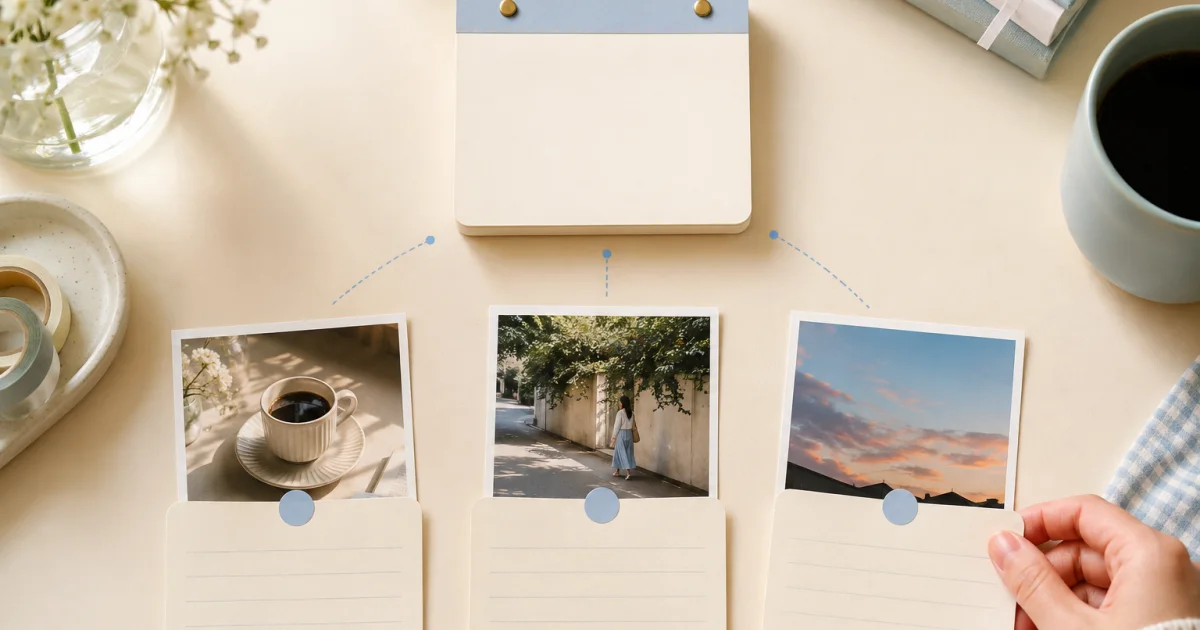
Open Comments and Shared Entries Directly from Pogaem Updates
Use Updates to open comments, new records, and member activity. Learn where each alert leads and what happens when an entry is deleted or has not synced yet.
Keep a Dated Photo Diary of Your Pet's Growth
Gather pet photos by date from adoption onward. Use familiar scenes, brief behavior notes, shared family contributions, and reminders to keep a manageable diary.

Compare and Record Plant Growth Photos by Date
Photograph a plant from a familiar angle and note observed changes. Choose useful calendars and reminders, then review seasonal development in calendar or album view.
Keep Pregnancy Week Photos with Short Personal Notes
Record meaningful days and everyday moments at a comfortable pace. Add personal notes, choose a sharing scope, and keep medical information in separate records.

Reset Pogaem Data While Keeping Your Account
Keep your account and subscription while permanently removing owned content. Review retained shared contributions, type RESET, and verify backups before proceeding.

Save One Pogaem Photo to Your Phone's Gallery
Use the download icon in photo details to save one image. Check gallery permission, cloud access, original saved quality, and the result before retrying.
Write and Delete Comments in a Shared Photo Calendar
Leave up to 300 characters below a shared entry. Learn who can delete comments, why edits require reposting, and what remains readable while offline.
Organize Travel Photos by Date Before They Become a Backlog
Use one trip calendar with dated scenes and short notes. Record lightly while traveling, add detail afterward, and gather companions' perspectives in a shared diary.
View Photos from Several Calendars Together in Album
Open Album to browse accessible personal and shared photos by recent capture date and month. Tap into entries and understand which media and calendars are excluded.

Record Your Exercise Journey with Consistent Photos
Choose repeatable photo conditions and a sustainable interval. Add exercise and comfort notes, review the process, and keep health judgments separate from photos.
Write a Diary Entry Even on Days Without Photos
Save a title or note without photos or videos, then add media later if needed. Learn the difference between a valid text entry and an empty card.
Add Videos to a Photo Diary: Length Limits by Plan
Add videos up to 30 seconds on Lite or 2 minutes on Premium. Learn whose plan applies, how to save videos with photos, and why album imports exclude video.

Back Up a Photo Diary as a ZIP File
Export accessible photos, videos, and notes from personal calendars. Check local versus cloud originals, available space, missing items, and the finished ZIP.
Create a New Photo Calendar from a Device Album
Choose a device album to organize its photos by capture date in a new personal calendar. Compare empty calendars and system pickers, and review excluded videos.
Set Recording Reminders by Calendar, Weekday, and Time
Choose separate days and times for each calendar. Check system permission, the global reminder switch, and individual schedules for reminders that work offline.
Calendar View or Album View: Choose How to Browse Your Memories
Use the monthly calendar for dates and gaps, or a calendar's album grid for photos and videos. Switching views changes presentation without copying stored media.
Change Calendar Covers and Arrange Your Pogaem Home
Choose covers from calendar photos or your device gallery, then drag Home cards into a useful order. Learn how covers differ from entries and who controls shared covers.
What to Check When Pogaem Cloud Storage Is Full
When Pogaem cloud storage fills up, new media may stay only on your phone. Check local copies, make space, and verify uploads before changing devices.
How to Create a Photolapse from at Least Three Photos
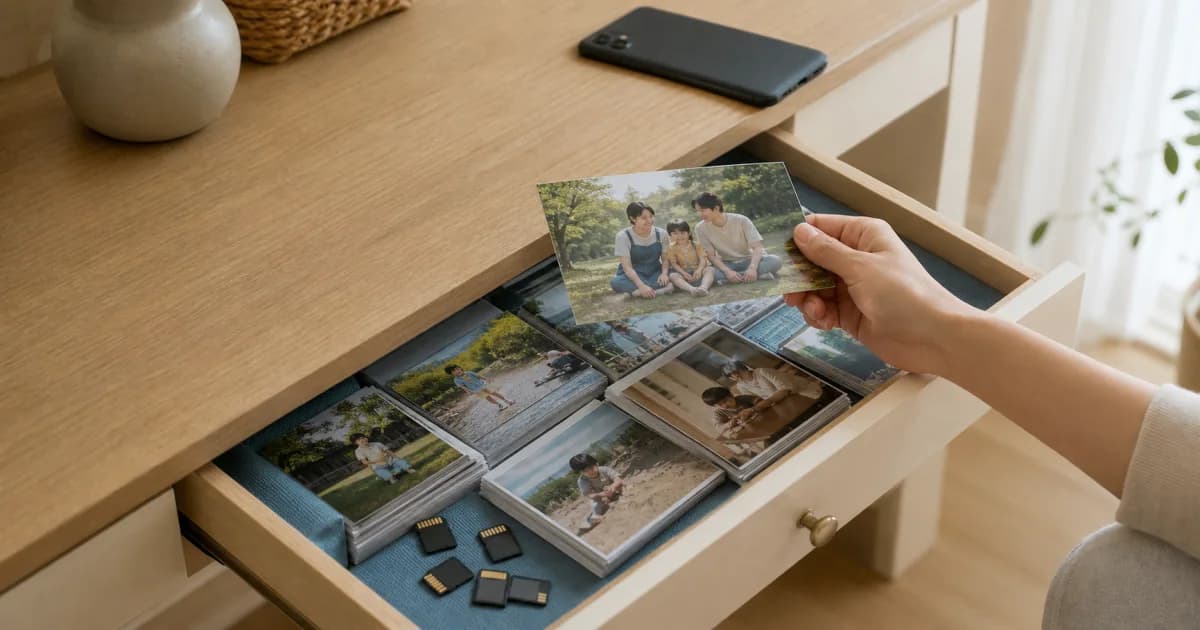
Turn a calendar date range with at least three photos into a Photolapse. Choose 3:4 or 9:16, dates, and playback speed, then check the finished video.
Day Cover Photos and Calendar Covers: How to Change Each
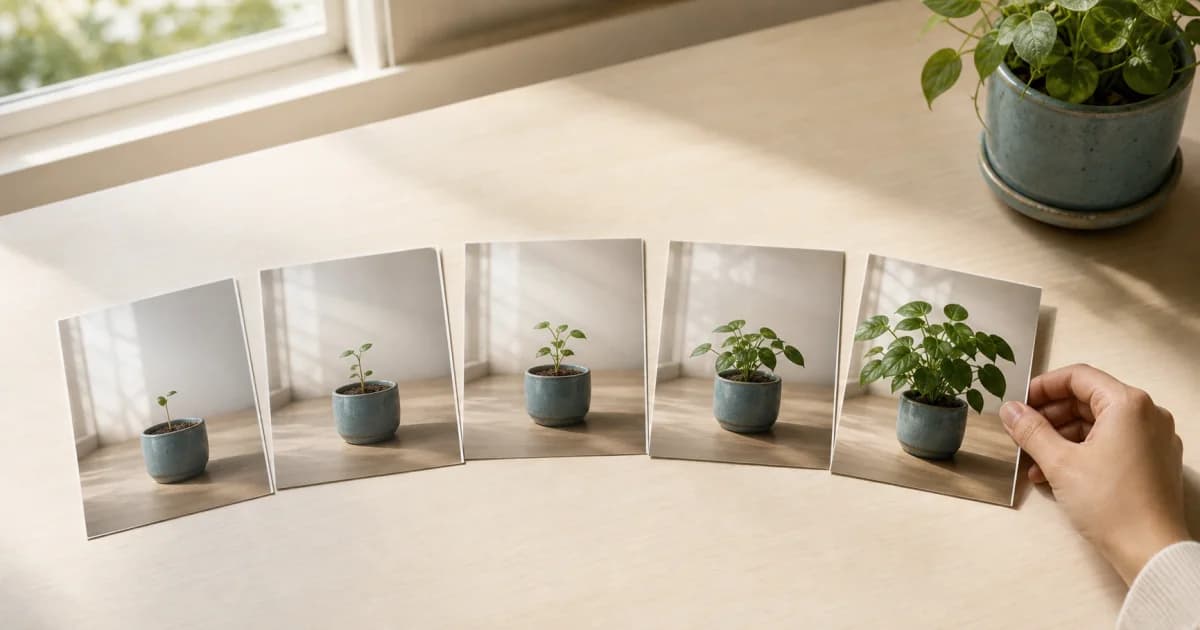
A day cover appears in one date cell; a calendar cover appears on Home. Learn how to change each image and who can edit them in shared calendars.
What to Check Before Exporting a Photo Diary as PDF
Pogaem PDFs hold up to 30 entries and 120 photos, with no videos. Learn how to split date ranges and check missing photos in the finished document.
How to Organize Gallery Photos by Capture Date in One Go
Select photos and videos across several days to group them by capture date. Check missing dates, video plan limits, and the saved calendar entries.
Create a Photo Calendar Image for Instagram
Turn a month of photos into a 1080×1920 Story or 1080×1350 portrait feed image. Review privacy and share it yourself when you are ready.
Join a Pogaem Shared Calendar with an Invite Code or Link
Join a shared calendar using an 8-character code or invite link. Learn the online steps and what to check if an invitation has expired or will not open.
Leaving a Shared Calendar vs. Removing a Member
Learn who can leave or remove members, why both actions need internet access, and why existing entries remain while access ends until a new invitation.
Add Calendar Photos with Limited Photo Access
Use Pogaem with access to selected photos, add more through the system photo picker, and check permissions without changing or deleting gallery originals.
A Checklist Before Moving Your Photo Calendar to a New Phone
Check uploads and local copies before changing phones. Prepare a personal calendar ZIP if needed, then verify photos, videos, and notes on the new device.

How to Move a Photo Diary Entry to the Correct Date
Move an entry and its photos to a new calendar date without changing capture metadata. Learn how saving differs for personal and shared calendars.
Pogaem's Four Notification Types and Their Settings
Understand reminders, shared-entry updates, comments, and announcements. Check device permission, app-wide switches, and individual calendar settings.
See Your Photo Diary More Often with a Home Screen Widget
Add a photo calendar widget, choose a calendar, and see the current month on your home screen. Learn how updates work and what to check if it looks empty.

Photo Diary Reminders Not Arriving? Six Settings to Check
Check notification permission, the overall reminder switch, and each calendar's schedule. Review phone settings and save a new local reminder to test it.
How Does Pogaem Handle Photo Diary Privacy?
Learn what Pogaem's no-AI-training promise means, how service analytics differ, and why a six-digit app PIN does not mean end-to-end encryption.
Economy, Standard, and Original Photo Quality Compared
Compare 1440px Economy, 2048px Standard, and unchanged Original files. Learn how defaults, future uploads, and shared-calendar owner settings work.

Pogaem Free, Lite, and Premium Plans Compared
Compare 1GB, 20GB, and 100GB of cloud storage, video limits, and downloads. All plans allow unlimited calendar creation; check final pricing in the app.
Set Up Pogaem Entry Reminders After Changing Phones
Entry reminders do not transfer automatically to a new phone. Restore permissions and calendar schedules, then check the old device for duplicate alerts.
Reorder Photos and Choose Horizontal or Vertical Viewing
Arrange photos in story order, then choose horizontal swiping or vertical viewing for the calendar. Learn how shared-calendar settings and video limits differ.
Request an Entry for an Empty Day in a Shared Calendar
Ask selected shared calendar members to fill an empty date. Learn how requests work online, why they do not add photos automatically, and why a request may fail.
What Shared Calendar Owners and Members Can Do
Compare owner and member permissions for invitations, settings, removal, and leaving. Understand owner-plan rules and why choosing the owner matters.
Shared Calendar Videos Require the Owner to Have Lite or Above
Shared videos use the owner's plan: Lite allows 30 seconds and 90MiB; Premium allows 2 minutes and 360MiB. Check storage and connection before uploading.
Set Up, Change, and Recover Pogaem's Six-Digit PIN Lock
Set, change, or disable a device-specific six-digit PIN. If you forget it, verify cloud saving before reinstalling to avoid losing local-only entries.

Turn a Month of Photos into a Three-Second Calendar Video
Review a month as photos fill the calendar in three seconds. Check day covers and privacy, keep empty dates, and see how this differs from Photolapse.
The Smallest Way to Keep a Photo Diary Going
Build a lasting photo diary with one photo and one line. Set a rhythm, use reminders and a widget, and fill missed days with capture dates or chosen dates.
Keep Track of New Photos with Automatic Album Linking
Link a device album to a personal or shared calendar for free. Choose manual selection or automatic addition by capture date, then check access and permissions.
Keep Photos Together by Creating Calendars for Each Topic
Separate travel, child, pet, and hobby photos into dated calendars. Add several photos and notes per entry, then keep going with reminders and widgets.
Try it with a photo from today
One photo and a few words are a lovely place to start.